
Do Not Sell My Personal Information
Jump to content
View in the app

A better way to browse. Learn more.

Jaguar Owners Club

A full-screen app on your home screen with push notifications, badges and more.

To install this app on iOS and iPadOS
  1. Tap the Share icon in Safari
  2. Scroll the menu and tap Add to Home Screen.
  3. Tap Add in the top-right corner.
To install this app on Android
  1. Tap the 3-dot menu (⋮) in the top-right corner of the browser.
  2. Tap Add to Home screen or Install app.
  3. Confirm by tapping Install.

Peter Cobbe

Members
  • Joined

  • Last visited

Everything posted by Peter Cobbe

  1. Hi Stephen from another newbie and XE owner . What a great car- enjoy.
  2. I used to have a similar S type ( in 2000. /. 2001). It was a superb car and just great to drive.I now have an XE Portfolio and enjoying the Jaguar style again
  3. Thank you for the good advice - very helpful
  4. Great car but just not enough space in the back and care needed getting in and out. It is a 2+2 really and if that suits you then the superb drive and front seats comfort are a winner sounds like you need the XF ...
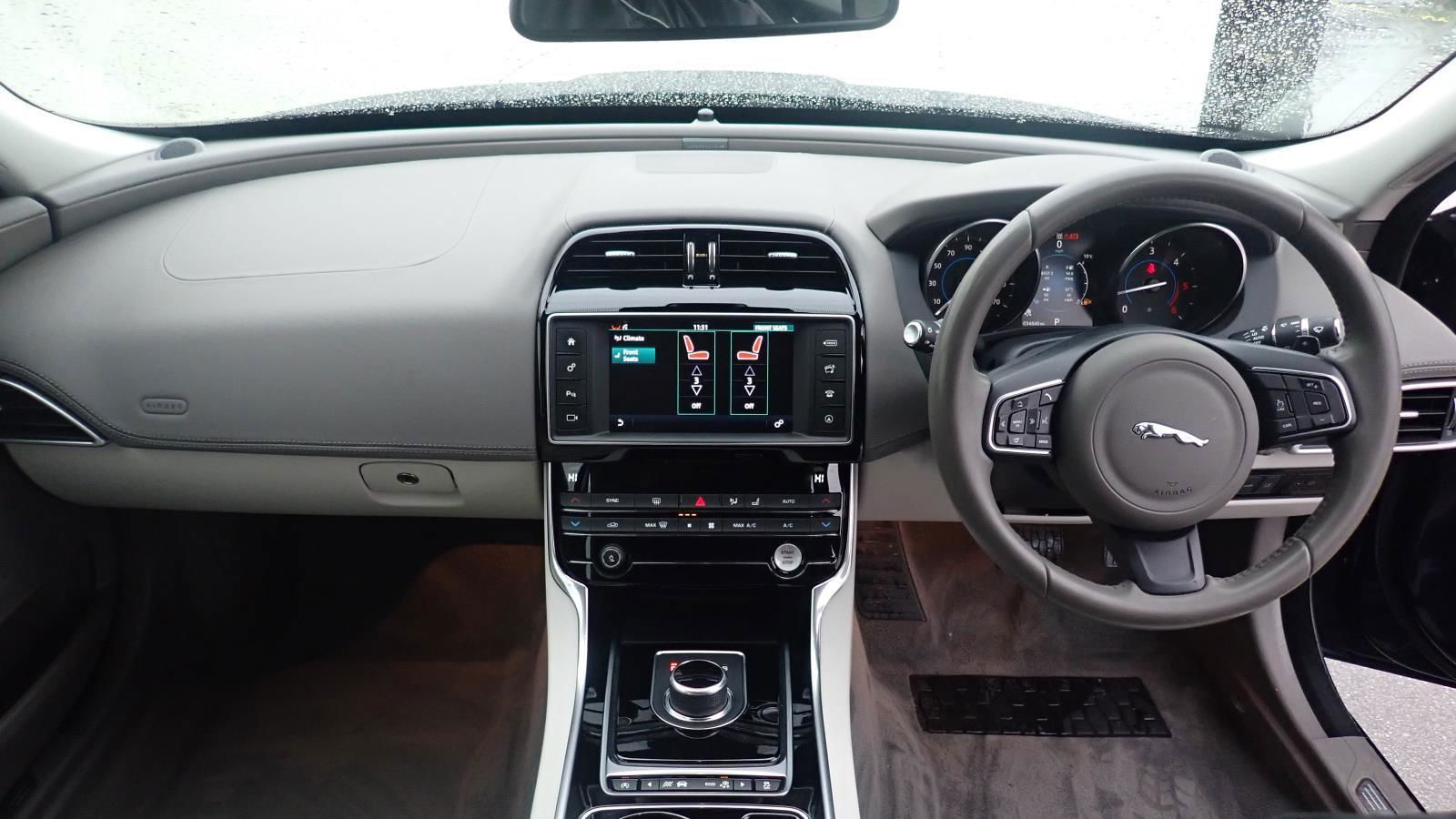
  5. Hi from a new member - I’ve just bought a low mileage 2017 XE Portfolio 2.0 D and enjoying the driving experience and learning all of the controls. Any advice from XE owners welcomed. I also made good use of the Owners clubs Halfords discount card -With excellent savings of £30 on a nextbase 522w dash cam installation

Background Picker
Customize Layout

Configure browser push notifications

Chrome (Android)
  1. Tap the lock icon next to the address bar.
  2. Tap Permissions → Notifications.
  3. Adjust your preference.
Chrome (Desktop)
  1. Click the padlock icon in the address bar.
  2. Select Site settings.
  3. Find Notifications and adjust your preference.