


Leaderboard
-

Aubrey
Moderators1Points1,245Posts -
LairdScooby
Moderators1Points1,273Posts -

Norfolk Ian
Premium Member1Points306Posts -
David Clarke
Premium Member1Points1Posts




Popular Content
Showing content with the highest reputation on 11/14/2023 in Posts
-
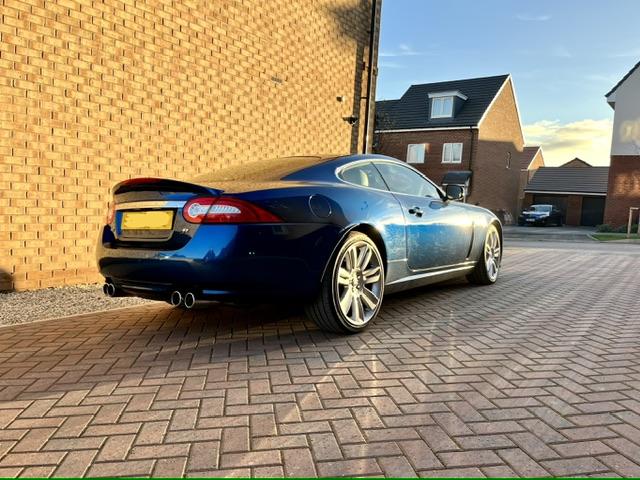
1 pointJust bought my first big cat, 2010 XKR. Really nice car, good service history and previously owned by a JOC member. Looking forward to reading about others experiences and seeking advice when I am sure I will need it.
 1 point
 -
1 pointWelcome to Jaguar Owners Jacques😊 I have had two X types nice cars to drive, enjoy Kind Regards Aubrey.1 point
-
1 pointWelcome aboard Jacques! Check your sills, particularly the rear ends of them as they have a habit of being the first places to corrode badly, often hidden behind plastic covers. Good luck with your X Type, they're good cars! 😉 😄1 point
-
1 pointHi Jacques, I joined the club a few weeks ago, everyone has been very helpful and knowledgeable. I’m a first time Jaguar owner and I’m enjoying my XF very much. Pop some photos of your car in the members gallery it’s always good to other Jags. Hope you enjoy your X-Type. Kind regards, Norfolk Ian1 point
