


Manniewinaename
Established Member
-
Joined
-
Last visited
-
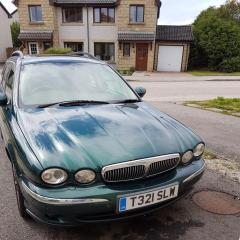 May not be a battery problem. Check the voltage on the battery with engine stopped then check the voltage with the engine running. Should be about 14 volts with engine running. If it isn't, get the alternator checked.
 -
You need to remove the wiper as far as I can remember. Be careful as the wires are very fragile.
-
You got enough oil in the gearbox?
-
Honestly Bazzer, you need a new car lol.
-
Let us all know how that goes.
-
You are getting too technical. Try what BM Chidders suggested and work from there. You can also test it with a resistance meter. If you are going to remove the gauge then either have a new one or a second hand one with you to change it over. Presumably the heater is working so that would rule out the thermostat?
-
Petrol or Diesel?
-
Bump lol. Uniroyal rain sports. Brilliant in monsoon weather and they look good.
-
Using bigger wheels denotes using a lower profile tyre to keep the circumference as was. So they should not rub but the ride will be harsher.
-
Quite possibly has come off the runner. Remove the door card and check it out if you feel competent enough. If not, take it to a garage or an auto electrician.
-
Still available? How much?
-
Your problem is with the vendor not JLR. Did you not notice these omissions on the test drive?
-
Thankyou Peter.
-
Where in Scotland Peter please.
-
Petrol 3.0 is chain
