Leaderboard
-
Jagbreakers.net
Members1Points3Posts -
Old Peter
Established Member1Points7,408Posts -
KEN33Y
Members1Points811Posts -
Mr Lawrence
Established Member1Points522Posts




Popular Content
Showing content with the highest reputation on 12/01/2015 in Posts
-
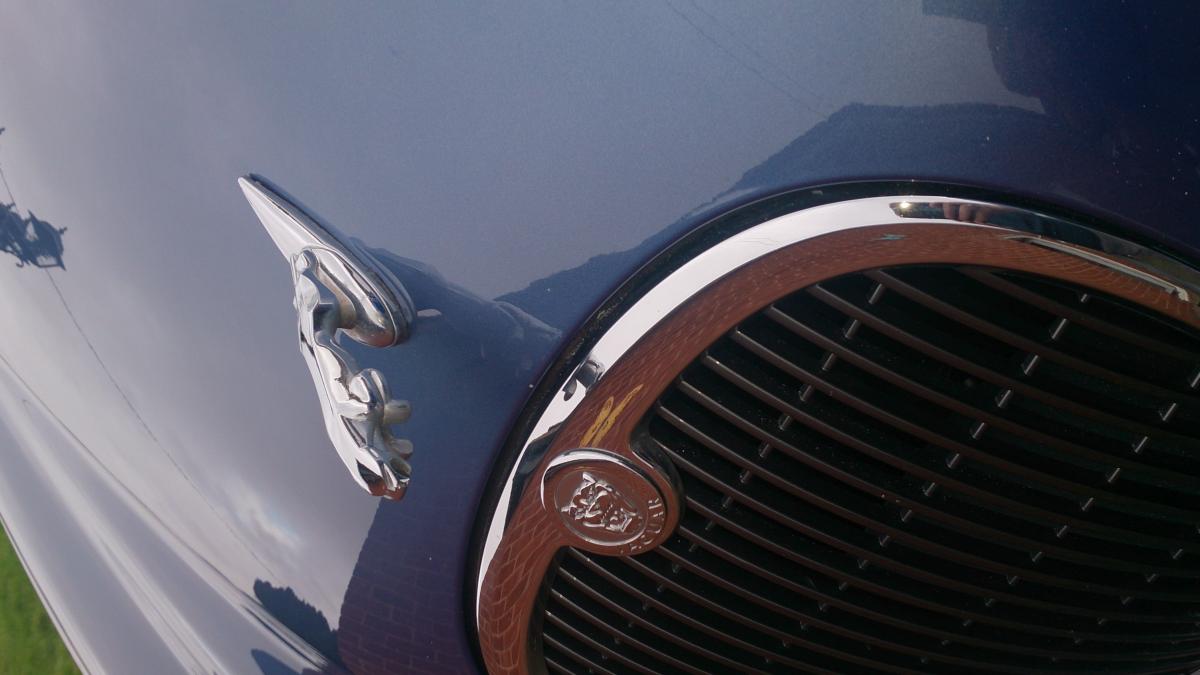
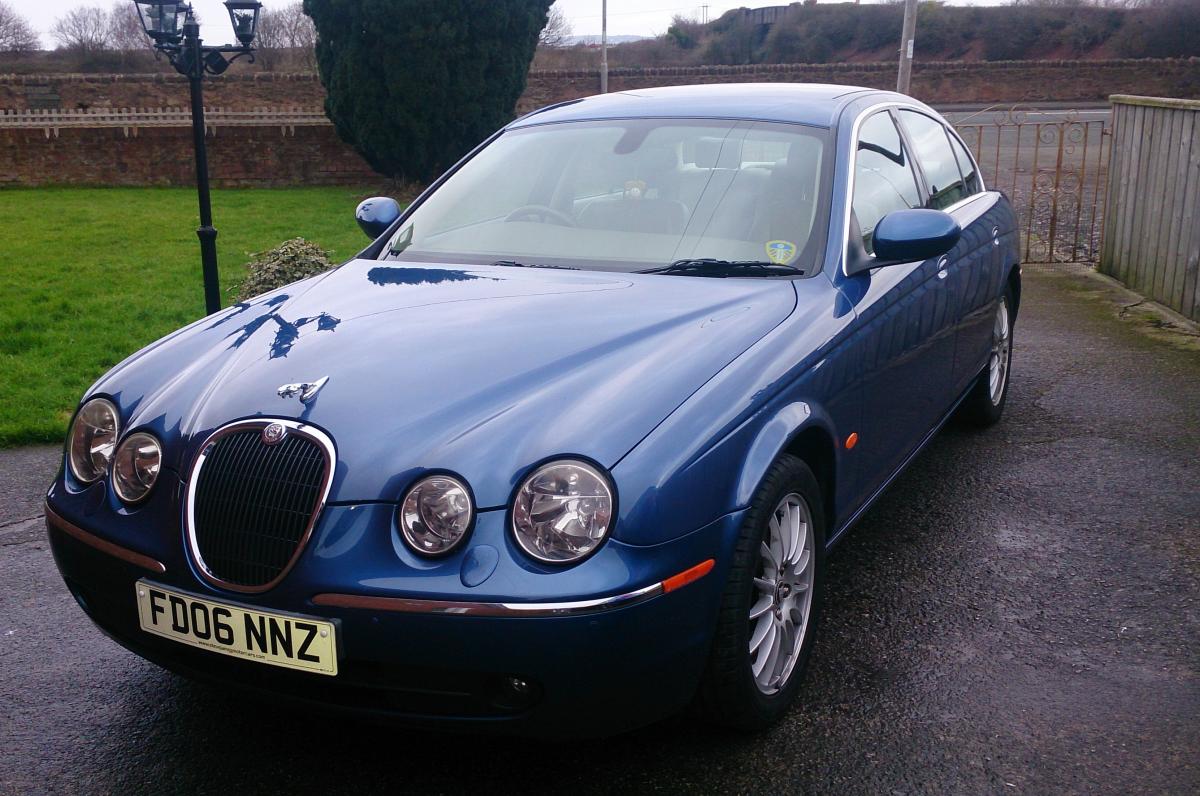
1 pointDuring the month of December, all parts purchased will receive a 20% discount. All S type parts available from 1999-2008. Please quote Jaguar Owners Club!! Please call 01204 559809 and ask for Gordon.1 point
-
1 pointHi Dave and a warm welcome to THE JAGUAR OWNERS CLUB. Must say at £900 you have had your monies worth already in terms of flight fares although, I'm getting a lot more than 30 to the gallon with my supercharged 4.2ltr V8 XKR, maybe because its more aerodynamic. I went to London last week and drove back and forth to my hotel daily which equalled 417 miles on £60 and I have also got an heavy right foot especially when I finished work on the Friday and just focussed on getting home for the weekend.1 point
-
1 pointWelcome to the cub, David. You certainly gave your car a good road test! The S Type is a great car to drive, and is still a hear turner. I have one of the last produced, a bit slower than your, but still very quick & when you put your foot down the twin turbo diesel shows amazing acceleration. Regards, Peter.1 point
-
1 point