


Old Peter
Established Member
-
Joined
-
Last visited
Everything posted by Old Peter
-
 Leather.
 -
Ayeeyoko. PS Sanders of the River.
-
Hi Derek, and welcome to the club. Can we see what the badge looks like? I didn't know that there were club badges in the Jaguar Owners Club. Regards, Peter.
-
Mud.
-
House.
-
Bin.
-
Coal.
-
Morse.
-
Error.
-
Fluff.
-
Poems.
-
Bullion,
-
Red.
-
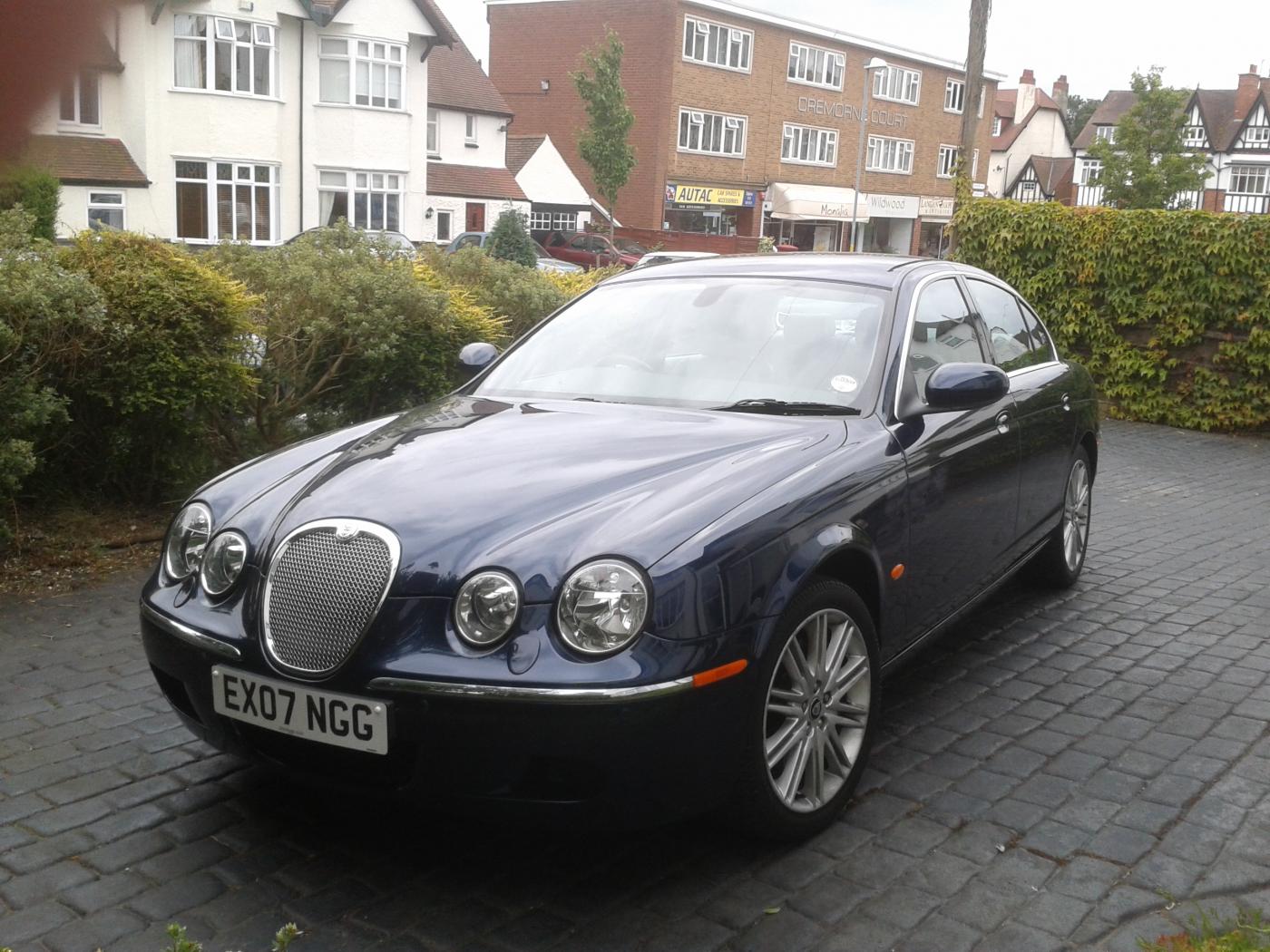
Welcome to the Club, Brian. I have just insured my s type and I can recommend SAGA if you are over 50. There are several good insurers around. Regards, Peter.
-
Hi Donald and welcome to the club. Try Googling Rimmer Bros. I have used them and they deliver workwide. Also try David Manners Ltd. Good luck, Peter.
-
Simple, Geoff. Just connect the CTEK to the battery terminals. I leave mine in the right hand side of the boot so the I can read the battery condition. 10 minute job with a 5 minute rest! I have an outside electrical point so I just reverse the car back to the point and plug it in to charge. Regards, Peter.
-
Expensive.
-
Hi Martin and welcome to the club. My s type 2.7 D is now 13 years old. I had the same problems as you. I used several additives/sprays to clear the EGR valves and it worked. The 6 cylinder V engine has two EGR valves which are not easy to remove for cleaning. I used Millers Eco plus diesel additive and that worked for a couple of years, but eventually I had both replaced. Try the additive and see how it goes. Regards, Peter.
-
DVD.
-
Syncromesh.
-
Hi Jeff, and welcome to the club. I would take out the disc and clean it, and then see if it works. Regards, Peter
-
Mediation.
-
Abbeys
-
Mountains
-
Atomic.

