


the guardian
Members
-
Joined
-
Last visited
Everything posted by the guardian
-
 ive had a caravan for years now and always had two cars one for towing & small car for every day use so that's one of the reasons i brought the x type est,while looking at the reviews it seemed logical to go for the jag a large family comfy car with good mpg for towing & something i can take to shows/meets so best of both worlds as far as i can see. Ron
 -
i think im going to mine KITTY :)
-
good evening all just joined the club and i was just wondering if there are any club members in the reading berkshire area that would like to meet up and chat anything jaguar over a shandy or something stronger if you prefer theirs plenty of nice country pubs in & around the area, GIVE ME A SHOUT best regards ron
-
would love to come along to this event please put me and the family down i.e driver plus 3 thankyou ron
-
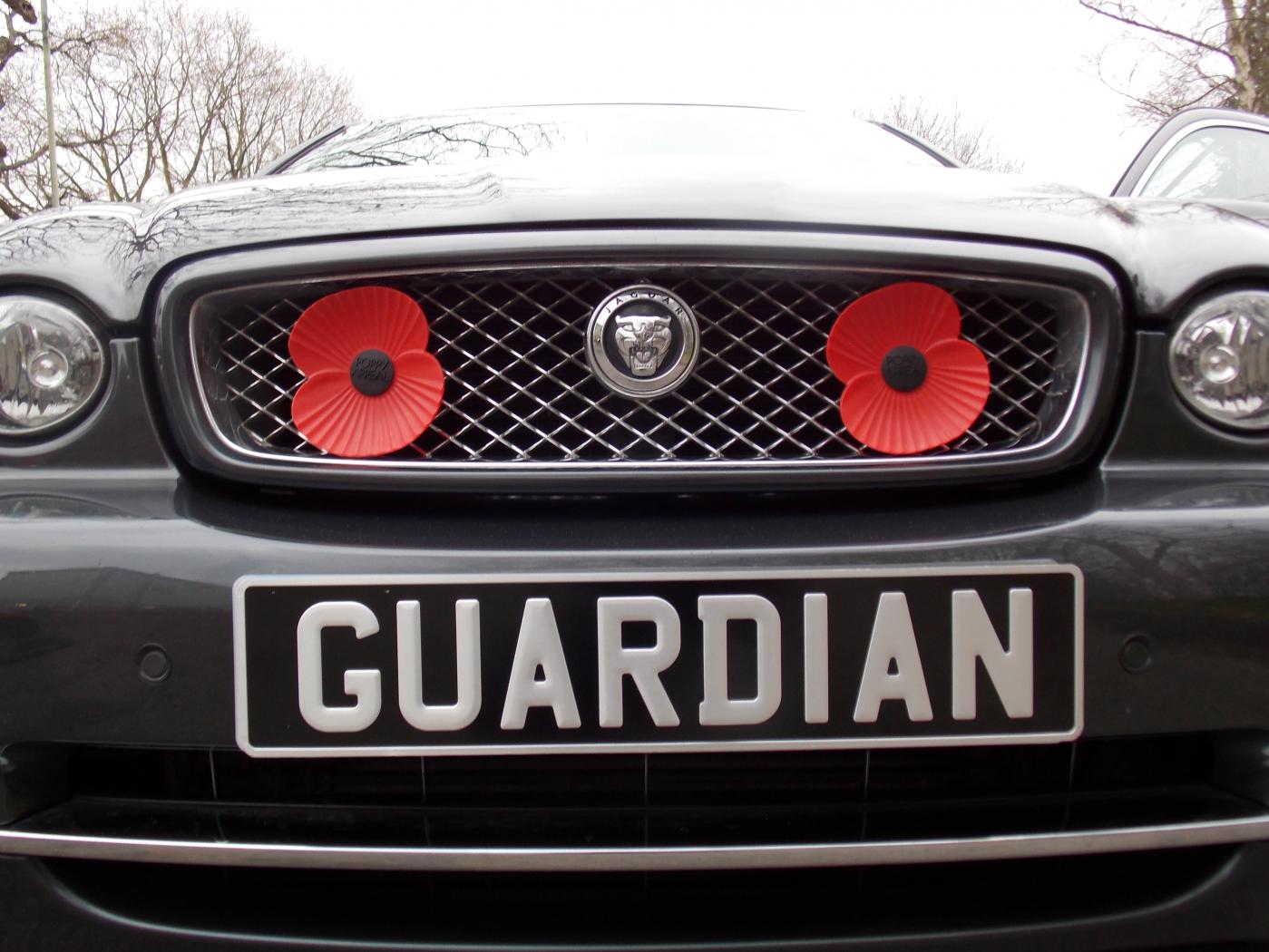
good morning to all hi im ron a new member to this site but not to jaguar just brought a 59 plate x type estate 2.0 diesel with good low mileage which will be picked up on wed.11th march. looking foreword to getting to grips with her on the open road and doing a fair bit of touring around will post up some photos of her when she's home thats all for now going to have a wonder around the club site best regards ron
