Leaderboard

Popular Content
Showing content with the highest reputation on 03/02/2015 in Posts
-
1 pointSorry I thought you had a S Type .???? If its a X Type I--- "think"--not sure---- you have to replace the plastic adjusters as they are pre-set at a cost of about £25 you can get them from e-bay .??? Frank1 point
-
1 pointHi Ray take a look here== http://www.justanswer.com/jaguar/4oxup-jaguar-s-type-adjust-headlights.html Frank1 point
-
1 pointHi Ray, and welcome to the club. With the s type Jaguar say that there is a conversion kit available from Jaguar dealers. There is also a method of altering the beam on HID headlights. I am unsure about the x type, but there will be some x type owners who will assist. Regards, Peter.1 point
-
1 pointWelcome to the club, Chris. I think that an expert is needed here, and I hope that the issues get sorted. It sounds quite complicated, but if you can get to the root of the problem the other matters will be solved. Regards, Peter1 point
-
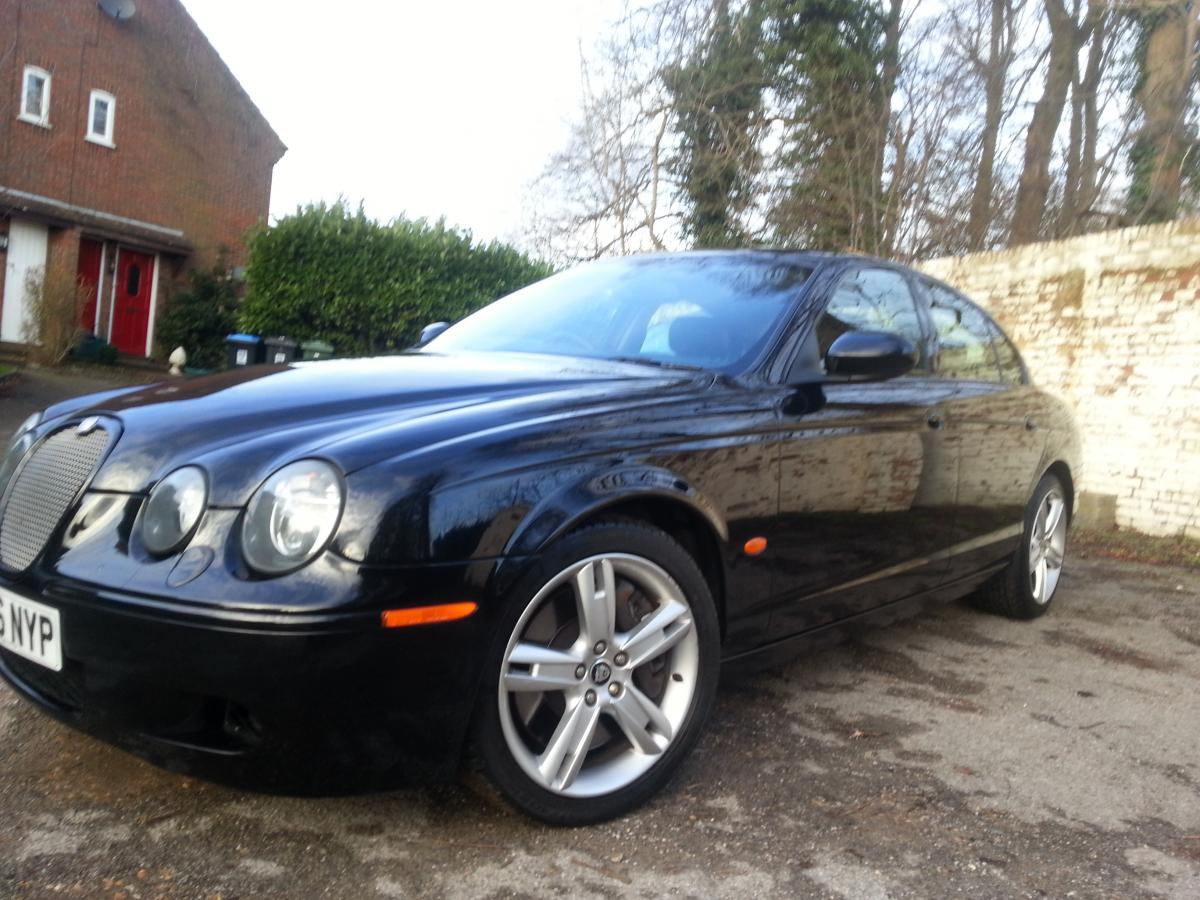
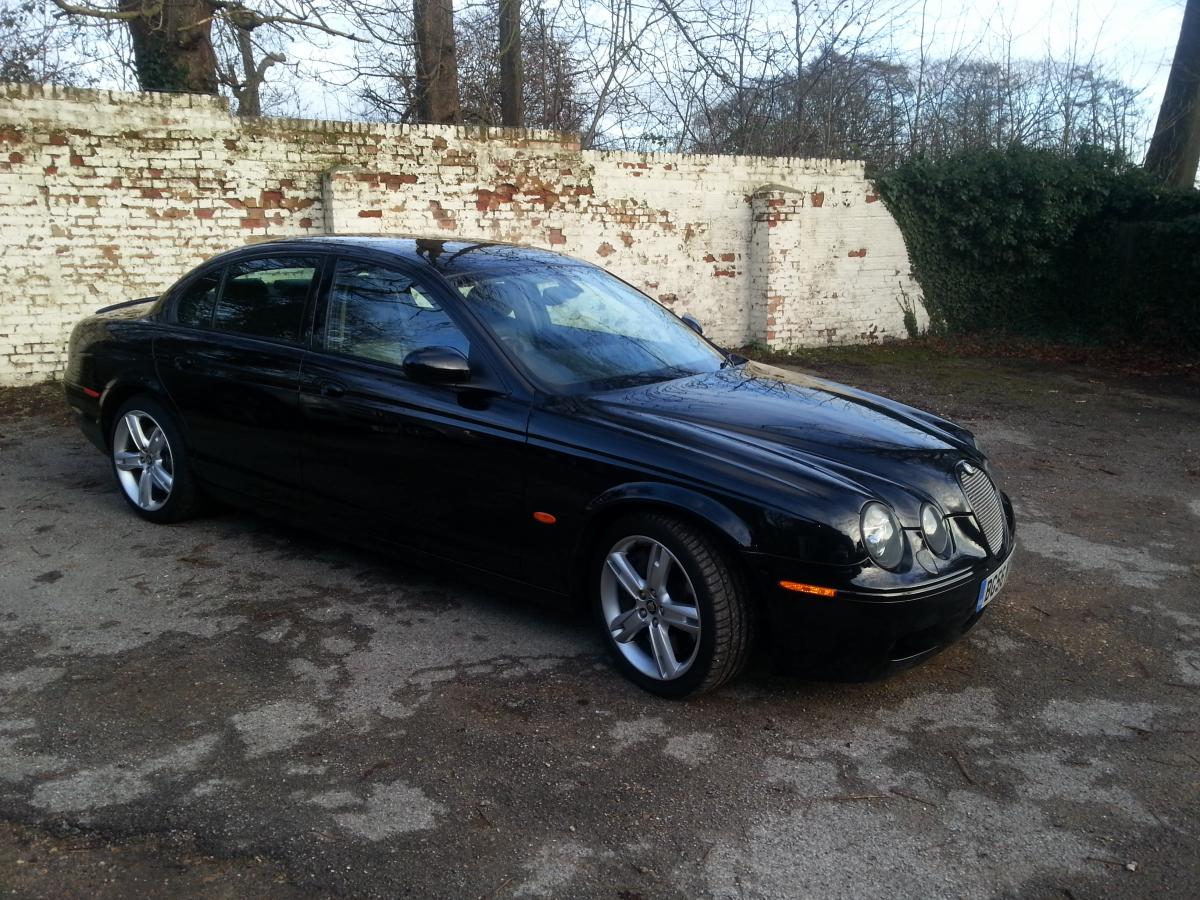
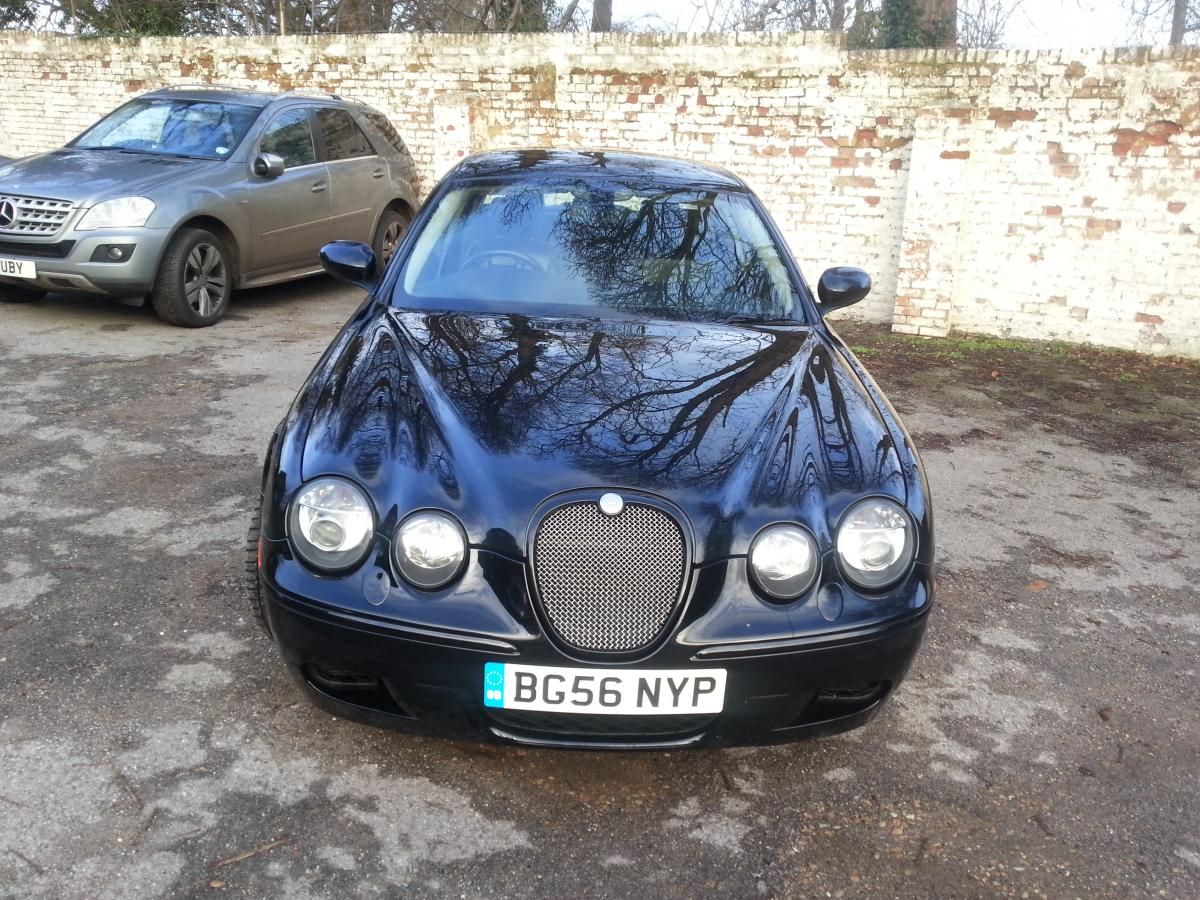
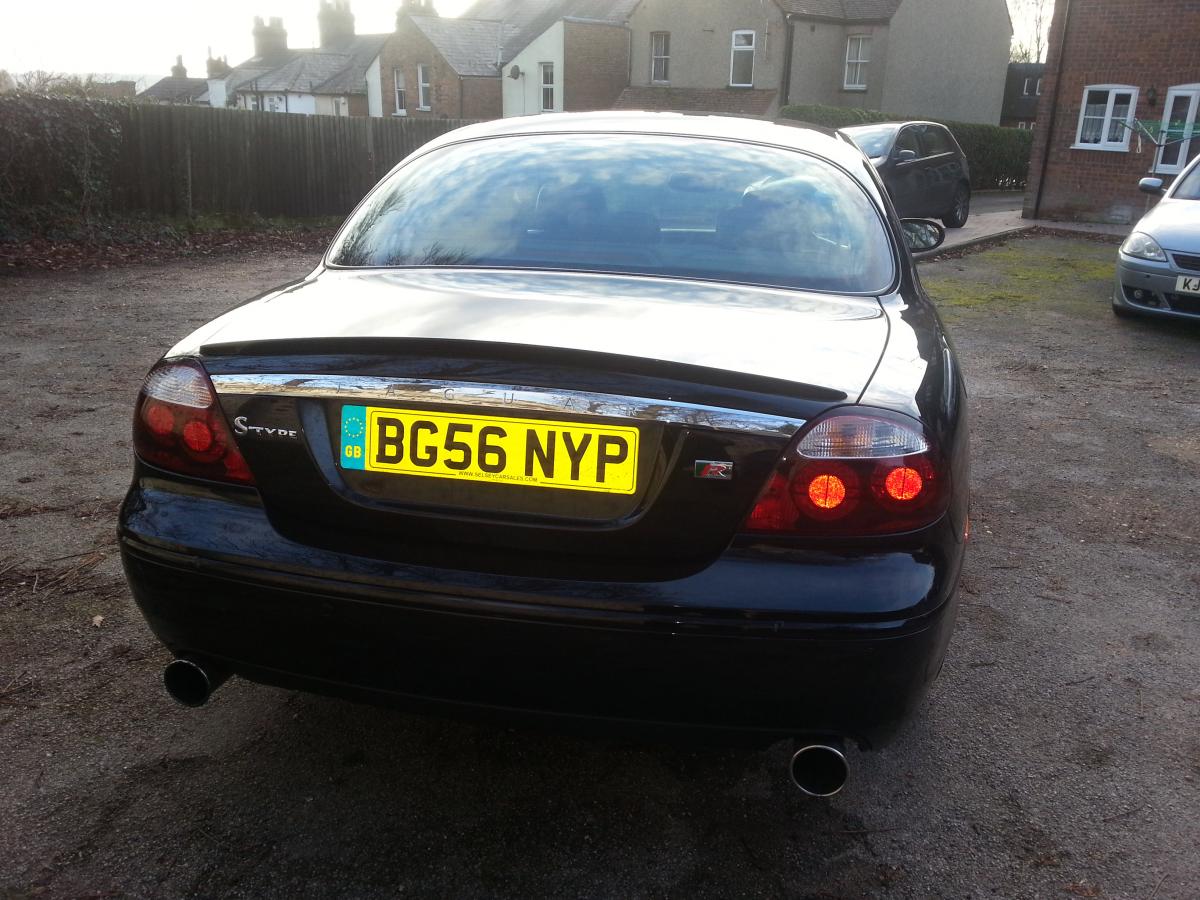
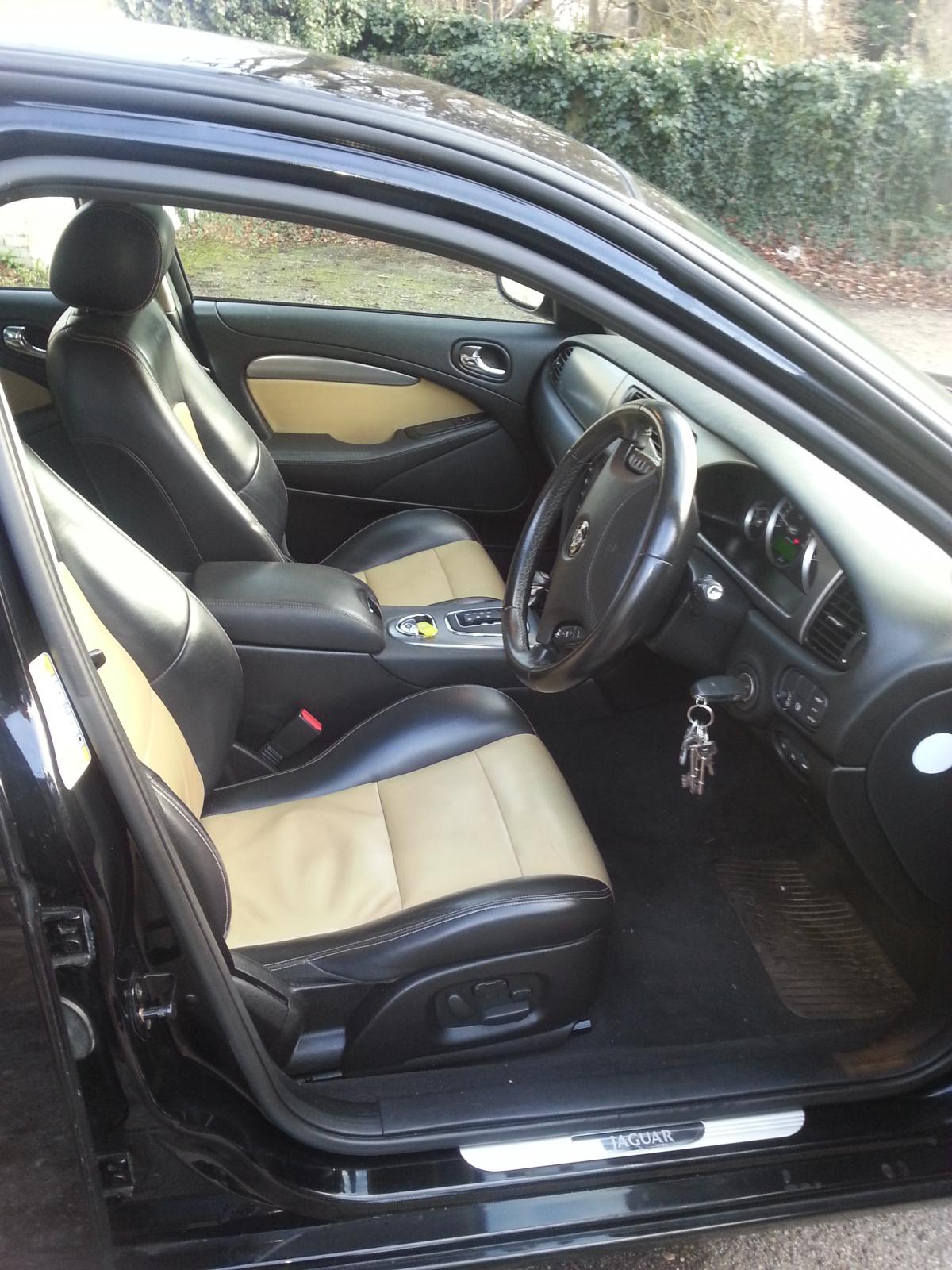
1 pointHi chaps, I have just bought my 2006 S-Type R and I must say that she is everything that I expected so this being my second post on the forum I thought that I would show her off a little. Thanks Escortmad for starting this thread. So here is my pride and joy.


 1 point