


Old Peter
Established Member
-
Joined
-
Last visited
Everything posted by Old Peter
-
 Potatoes.
 -
Lamb.
-
Gold.
-
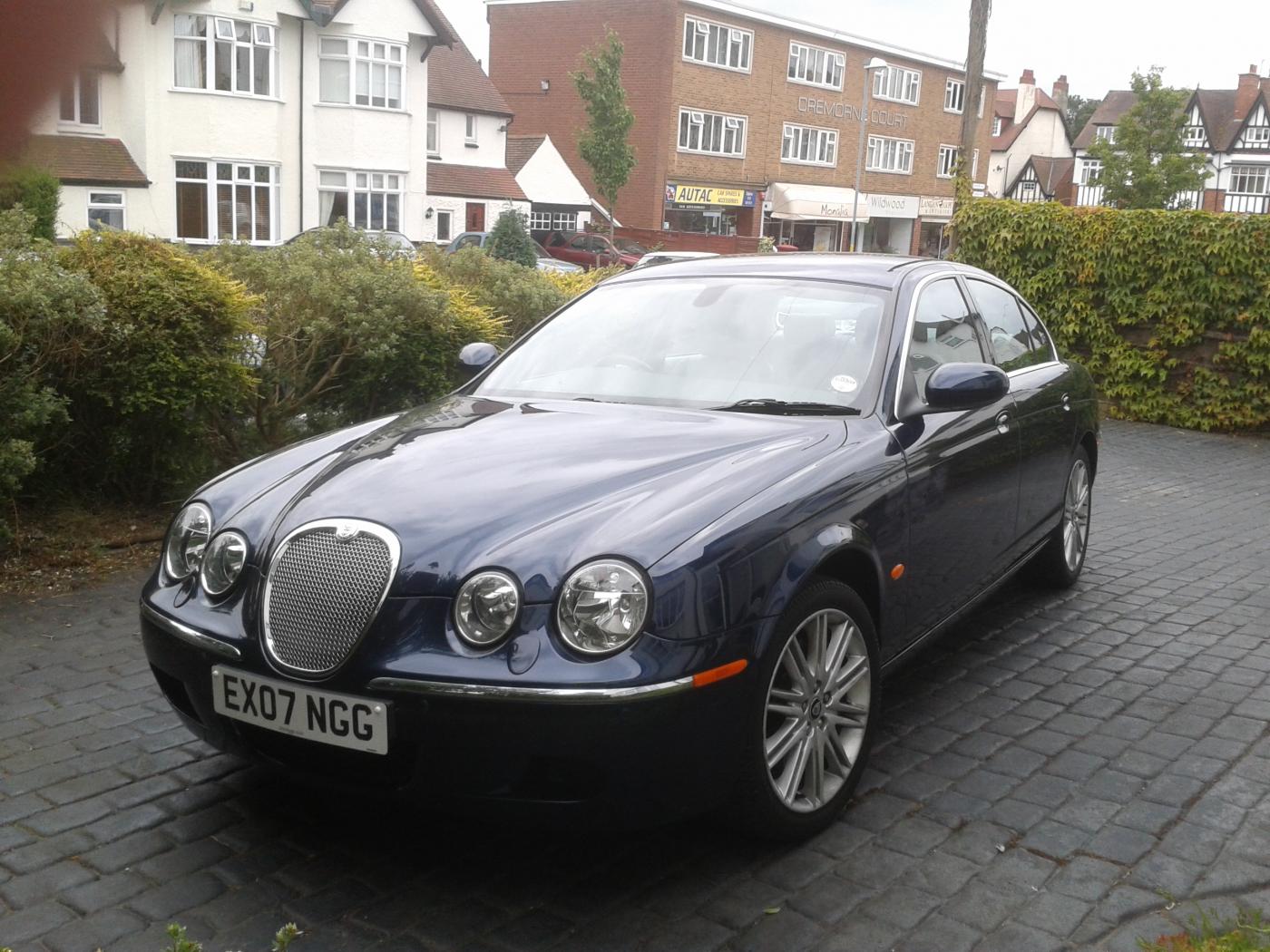
Hi David and welcome to the club, My s type has sat on the drive for the best part of three weeks -- lockdown! You will soon get to enjoy the Jaguar -- mine is also filled with all the bells and whistles. The engine though is 206bhp with a top speed of 141mph -- not really achievable without being given a good talking to! Regards, Peter.
-
Buried,
-
Sunset.
-
Castle.
-
Sea.
-
Lifeboat.
-
Bass.
-
Robeson.
-
Deep.
-
Branch.
-
Rose.

-
Pot.
-
Pastie
-
Lizard.
-
Watching.
-
Hi Colin, You are quite correct. If you have jump leads and a spare battery it can be done. Regards, Peter,
-
Binoculars.
-
Hi Del, and welcome to the club. I had a battery change on my s type a couple of weeks ago. The key fob stays as normal but the windows, clock, volume etc needed to be reset. You will need to have your radio key number to hand. Regards, Peter.
-
Wise.
-
Rumpole.
-
Welcome to the club, Jon. I have had my 2007 s type for 7 years and am still very pleased. The ZF auto gearbox should give you no worry. It is the one used by Rolls Royce and Bentley after all. I have never had a serious problem with it, although it did get a bit annoyed with me for using the manual side too often! The electronic handbrake has been a bit awkward on a few occasions but the solution is to keep your battery well charged. The battery on the s type should be changed every 5 years. The car itself is a very good drive, and holds the road superbly in all conditions. Hope this helps. Peter.
-
Agree.

