


Leaderboard



Popular Content
Showing content with the highest reputation on 09/04/2015 in Posts
-
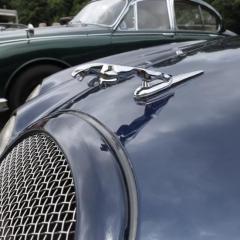
1 pointS type cars with bonnet leapers seem to be rapidly becoming a statistically significant sub species :D1 point
-
1 pointCrikey! That looks nasty for a car of this age, I recall seeing something similar on another V8 and wonder if they had a particular issue with metal or build quality? eBay supplier here for a pair of sills, not sure if you need both? http://www.ebay.co.uk/itm/Jaguar-S-Type-Sills-Weld-On-Laser-Profiled-Repair-Sills-P-Side-D-Side-/131591205031?hash=item1ea37270a7 I had a Land Rover boot floor done recently when I bought the panel and had it welded in, try to get recommend to a decent local welder if nobody can recommend a specialist ;)1 point
-
1 pointHi John, and Welcome to the club. Jaguar have a range of extra specifications. It appears that the XF Luxury saloon 2.2D does not have powered folding mirrors unless specified at a cost of £430, whereas the XF premium luxury 3.0 D does have them as standard. That information is available on 'WHAT CAR'. There is however, another site -- VinDecoderz ---- which will tell you the exact specification of your car and the extra bits that were paid for by the first owner. I found that my car had a proper spare wheel on a matching Alloy rim specified. Let us know how it goes, Regards, Peter.1 point