


Leaderboard


Popular Content
Showing content with the highest reputation on 12/10/2025 in all areas
-
Hi just some screen shots of error codes that are on now


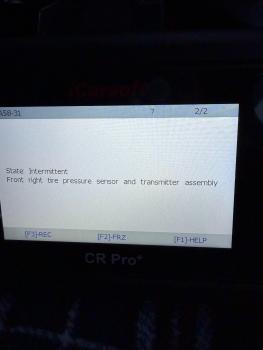
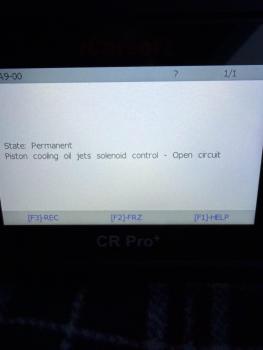
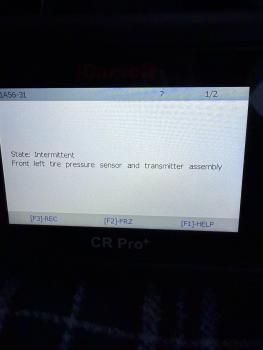
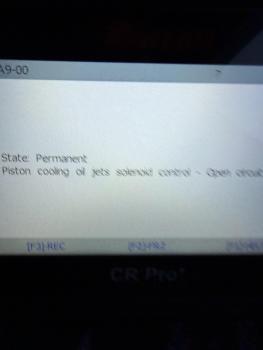


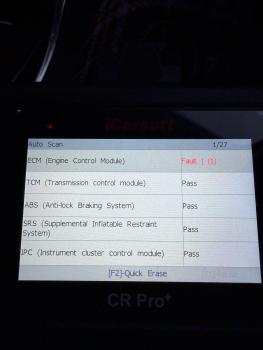 1 point
 -
Locate and check the headlight earth connection is sound. One light failing is more likely to be an earthing issue than a BCM issue. N6 JMX1 point
-
Quick google brought up this: Faulty Headlight Assembly Component A bad bulb, ballast, or internal wiring/control module can cause intermittent operation. Start by replacing the bulb and checking the ballast. Wiring Harness Issue Corrosion or damage in the wiring connecting the headlight to the BCM can cause data/power loss. Inspect the full length of the harness for damage. BCM Entering Protection Mode If the BCM detects repeated short circuits, it disables the output to protect itself (U1000-00 code). The short must be repaired, and the BCM may need a specialist software fix or replacement. Failing BCM Unit A failing BCM can cause various erratic electrical issues, including lighting problems. This is often due to water damage or voltage spikes.1 point


