Leaderboard
-
Simjag
Established Member1Points196Posts -
Old Peter
Established Member1Points7,408Posts -
JimC64
Established Member1Points939Posts -
Mr Lawrence
Established Member1Points522Posts



Popular Content
Showing content with the highest reputation on 03/02/2016 in Posts
-
1 pointhi sensor is in the bottom of the header tank some new replacement header tanks dont have the hole for the sensor if you feel under the header tank and the sensor/wire/plug is there it might just be a faulty sensor if theres no sensor then the might be a wire and plug floating around, cheers joe1 point
-
1 pointHi Niall, Andy is quite right. I do a visual check every week, and my coolant was close to minimum las week, but no message comes up. Peter.1 point
-
1 pointSounds like it. Internet search should show you where it is and how to replace it.1 point
-
1 pointPeter if rover had updated it ever few years they would have had a winner still. Tony1 point
-
1 pointSorry to hear that! Was it found? My thundercat was my mates bike which he owned for 14 years but it has not been started/used in 8 years.It's a 98 model in black, done 17k with full history and is std.My last bike was a 89 Honda cbr1000f which I sold 6 years ago. Here's a picture - How do you get on with yours?1 point
-
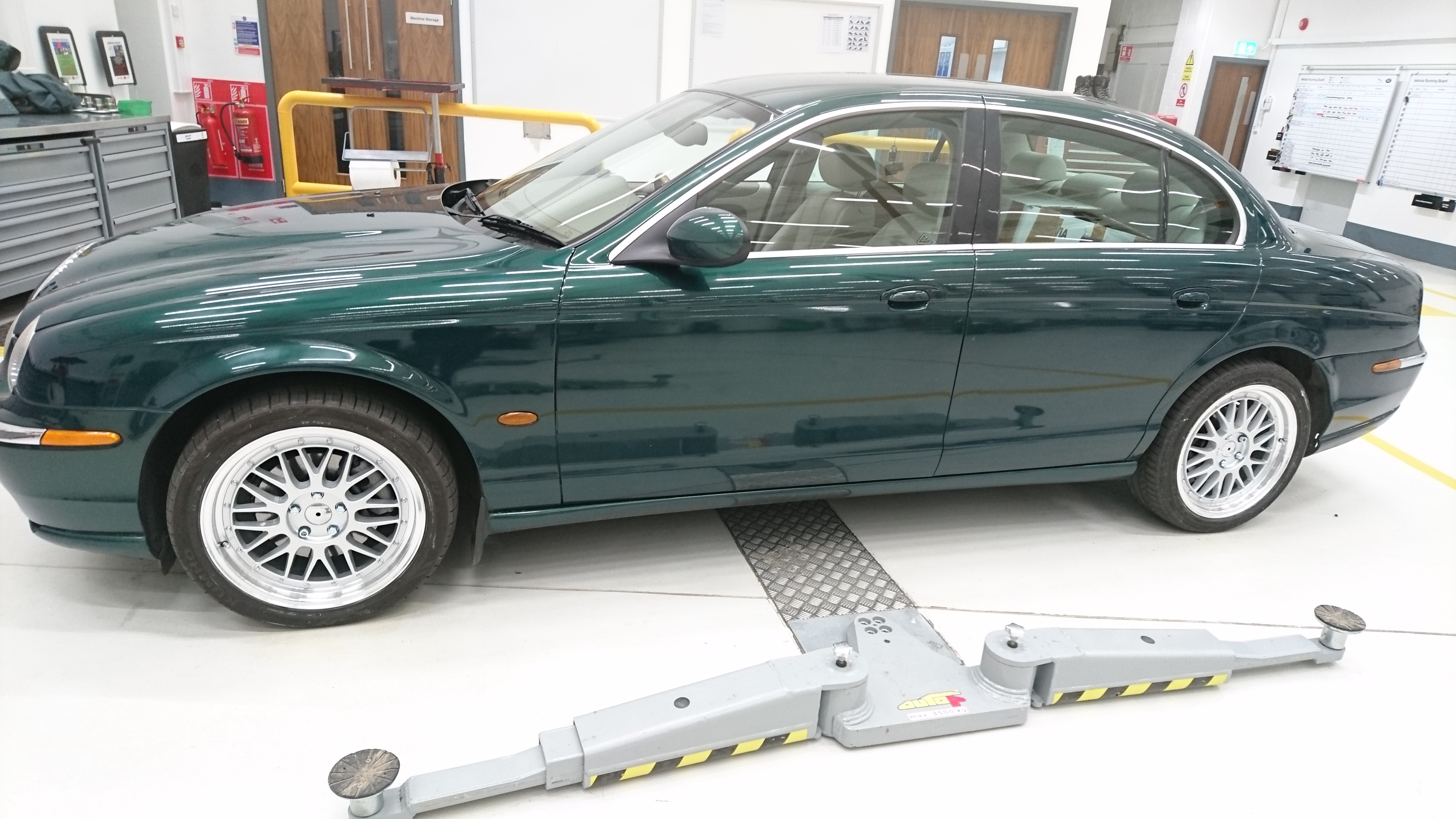
fitted some new 18" wheels to my S type because i got sick of messing about with that silly valve adapter system on my BBS wheels that were on it. Just need to buy some new centre caps.
 1 point