


Leaderboard
-
numkelfutumch
Members1Points67Posts -
JOE-DOT-COM
Established Member1Points2,509Posts -
Wat
Members1Points51Posts


Popular Content
Showing content with the highest reputation on 03/07/2016 in all areas
-
1 pointSince this topic is still being discussed i thought i would add a bit more. After i posted above about it being on amazon for £20 i ordered one and have been using it everyday since. As Andrew has said, it connects to your phone via bluetooth then transmits an FM signal ( you can choose what frequency it transmits on) whereupon you just tune your car radio to that signal and hey presto you have phone calls through your car speakers. You can stream your music from your phone to the device so your music comes from the car stereo too. I also downloaded an app to my android phone, the app is called radioplayer and i downloaded it because i like some of the DAB stations. I have found if i am using this app on my phone to listen to DAB radio whilst connected to this bluetooth link, it too is transmitted via my car speakers which is great. One thing i haven't seen mentioned, there is a small button on the side of this device which activates voice control. You can get the device to call a number in your phonebook simply by talking. This is probably the best £20 i have spent in a long time.1 point
-
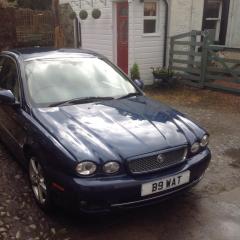
1 pointIn the realm of absolutely useless information you might like to know that the boot of an X Type can hold two crates of racing pigeons, 50 in all. luxury transport for the doos.1 point
-
hi try these parts are reasonably priced and a good service and all part number are listed https://www.britishparts.co.uk/ cheers Joe1 point