Do Not Sell My Personal Information
Jump to content
View in the app

A better way to browse. Learn more.

Jaguar Owners Club

A full-screen app on your home screen with push notifications, badges and more.

To install this app on iOS and iPadOS
  1. Tap the Share icon in Safari
  2. Scroll the menu and tap Add to Home Screen.
  3. Tap Add in the top-right corner.
To install this app on Android
  1. Tap the 3-dot menu (⋮) in the top-right corner of the browser.
  2. Tap Add to Home screen or Install app.
  3. Confirm by tapping Install.

Leaderboard

Popular Content

Showing content with the highest reputation on 05/28/2016 in all areas

  1. 1 point
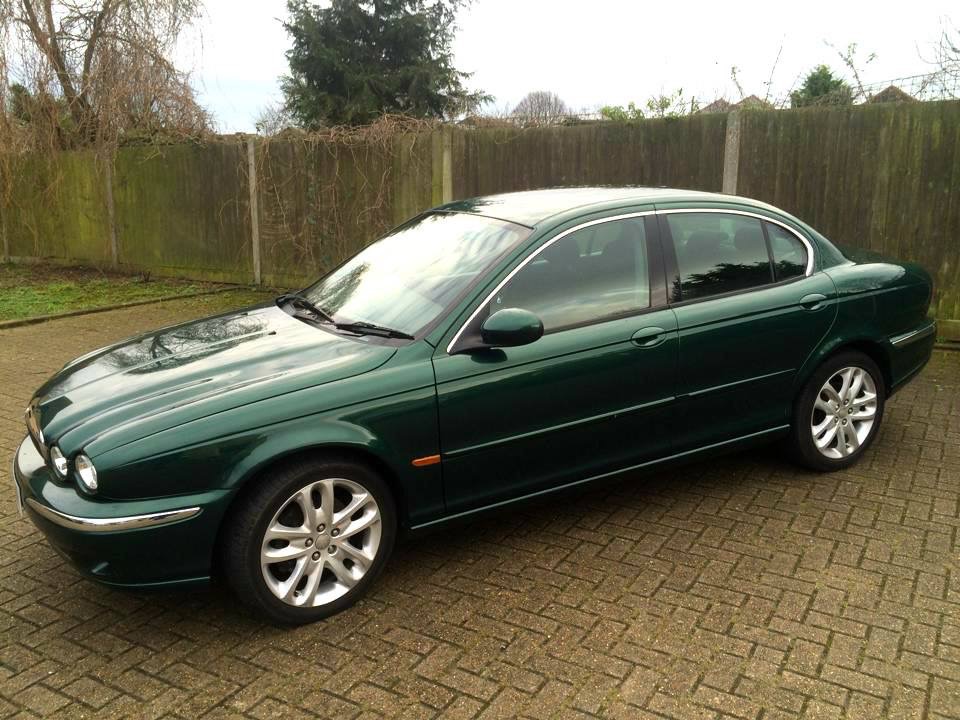
    New to this club and just wanted to say hi to everyone. I bought a 2003 x type a year ago and have got to say it's my dream come true! I said when I was a boy I would have a jag one day and I've never been happier with a car.
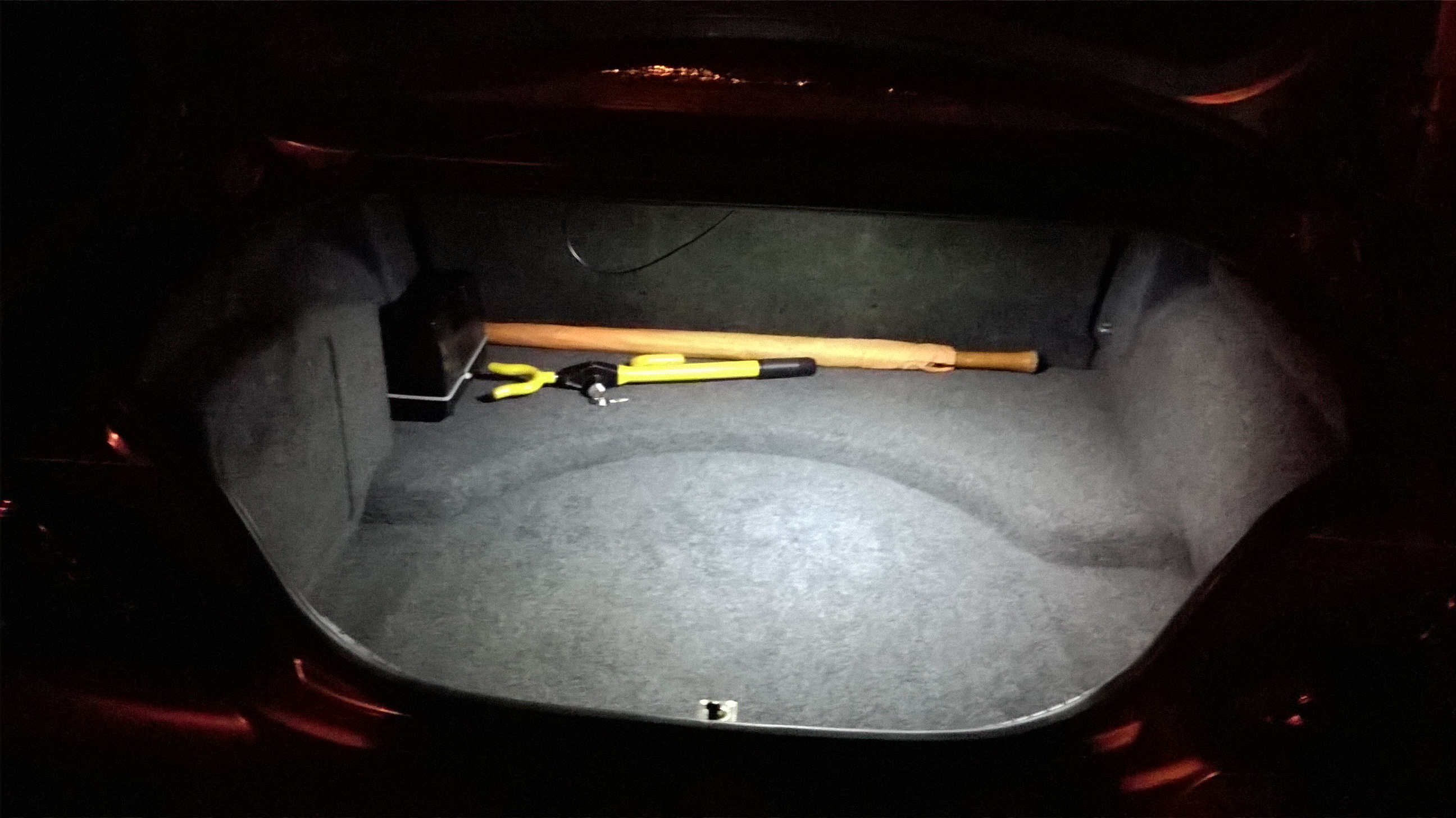
  2. I used a 90cm strip of adhesive LED's in mine, stuck them behind the lip so they aren't visible and wired them into the original light. Much better light then original.
  3. here we go then!........ now this is what i call a boot light at night


Background Picker
Customize Layout

Account

Navigation

Search

Configure browser push notifications

Chrome (Android)
  1. Tap the lock icon next to the address bar.
  2. Tap Permissions → Notifications.
  3. Adjust your preference.
Chrome (Desktop)
  1. Click the padlock icon in the address bar.
  2. Select Site settings.
  3. Find Notifications and adjust your preference.