Leaderboard
-
marbenj3
Members1Points11Posts -
durrantlee
Premium Member1Points1Posts -
JOE-DOT-COM
Established Member1Points2,509Posts -

D5AUL
Members1Points16Posts


Popular Content
Showing content with the highest reputation on 03/05/2017 in all areas
-
1 pointHello I'm. New here as I have just bought my first xf jag,so popping in to say hello I'm Lee
 1 point
 -
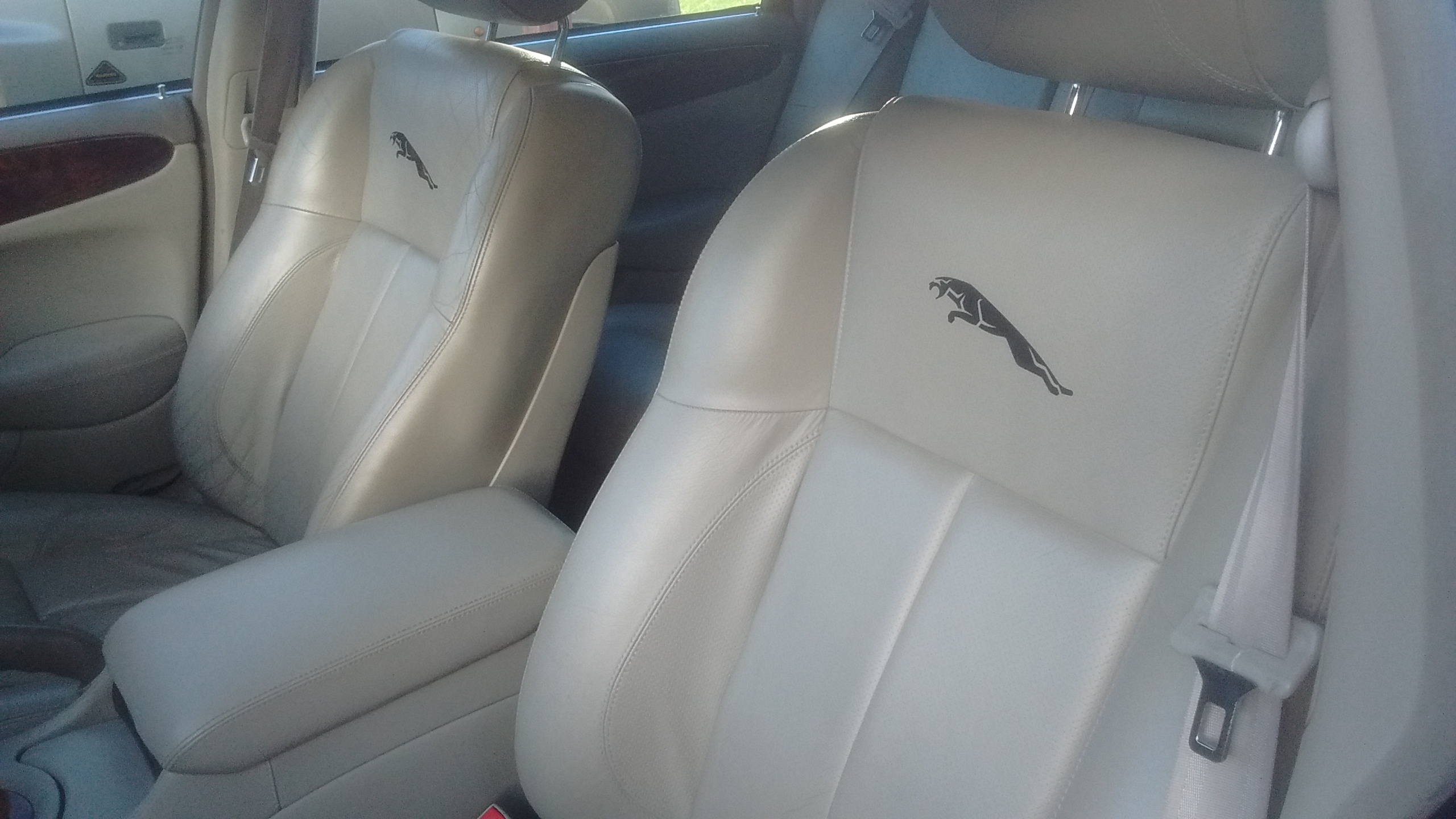
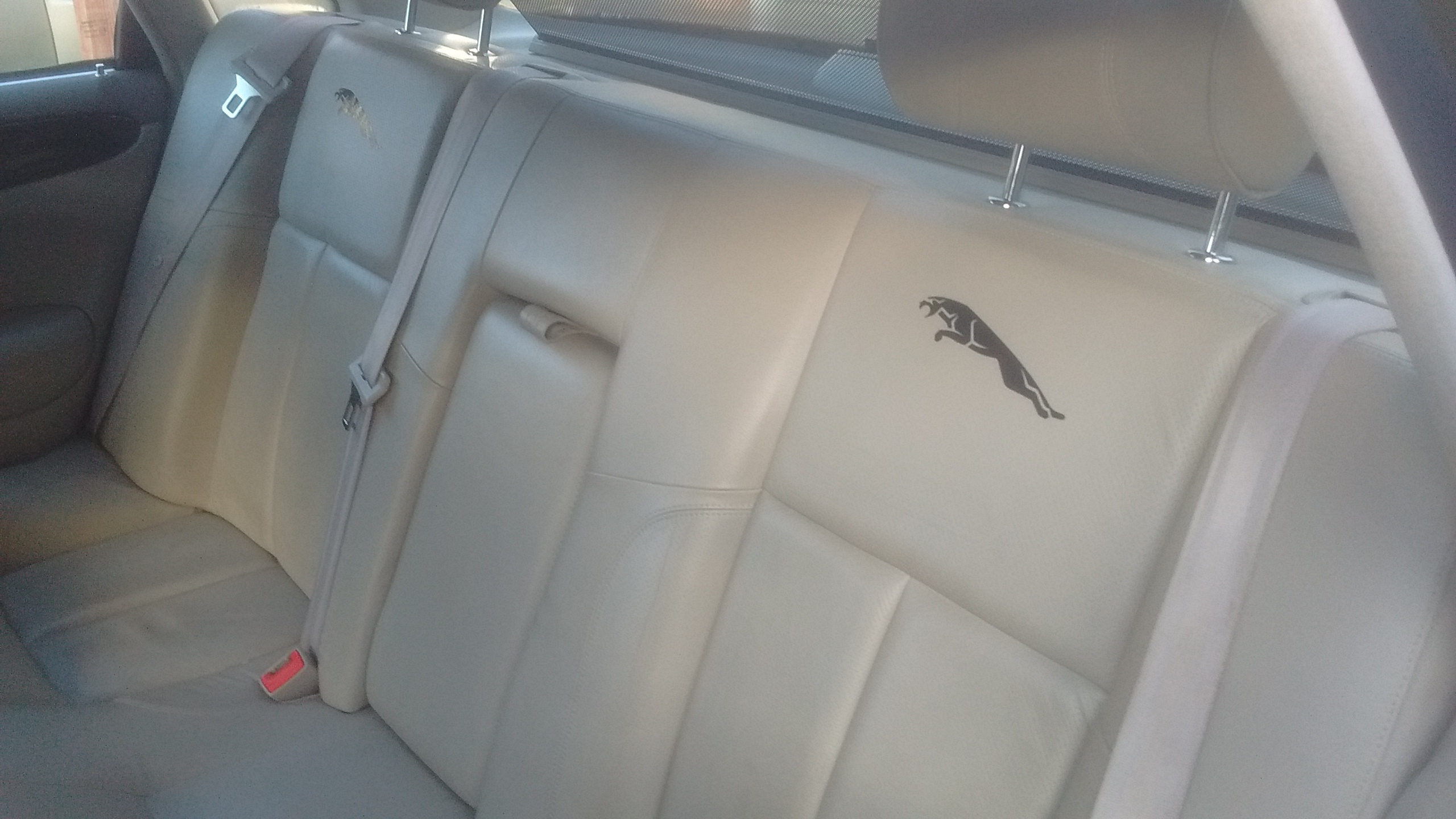
1 pointLittle update... Since last post i have done oil and filters. There's something very satisfying about filling it with nice clean oil. Also got some seat decals...

 1 point
 -
1 pointHi worth a try, make sure you don't switch the ignition on with the gearbox disconnected, as it will throw up loads of faults make sure none of the terminals are corroded, if they are try clean them with a fine slat blade screw driver this will work on the 5 speed but not the 6 speed, 6 speed has the ECU built into the gearbox cheers Joe1 point
-
1 pointDefinitely worth checking the connections to the control module behind the glove box. Had problems with mine, checked the connections & gave them a good soak in WD40 & now the gearbox now works perfectly. Reading various forums it seems this is a common problem.1 point
-
1 point