Leaderboard
-
Supergrover
Members1Points6Posts -

Nuttyspark
Members1Points25Posts -
Mike Conboy
Members1Points2Posts


Popular Content
Showing content with the highest reputation on 03/04/2020 in all areas
-
1 pointHi Francis, Try independent Jag Specialists, in my experience no frills, better service and for a fraction of the price of main dealers. Mike1 point
-
Rodney/James Two reasons I use a charger. One. I don't have any spare batteries lying around & Two. Guaranteed voltage output. 🤨1 point
-
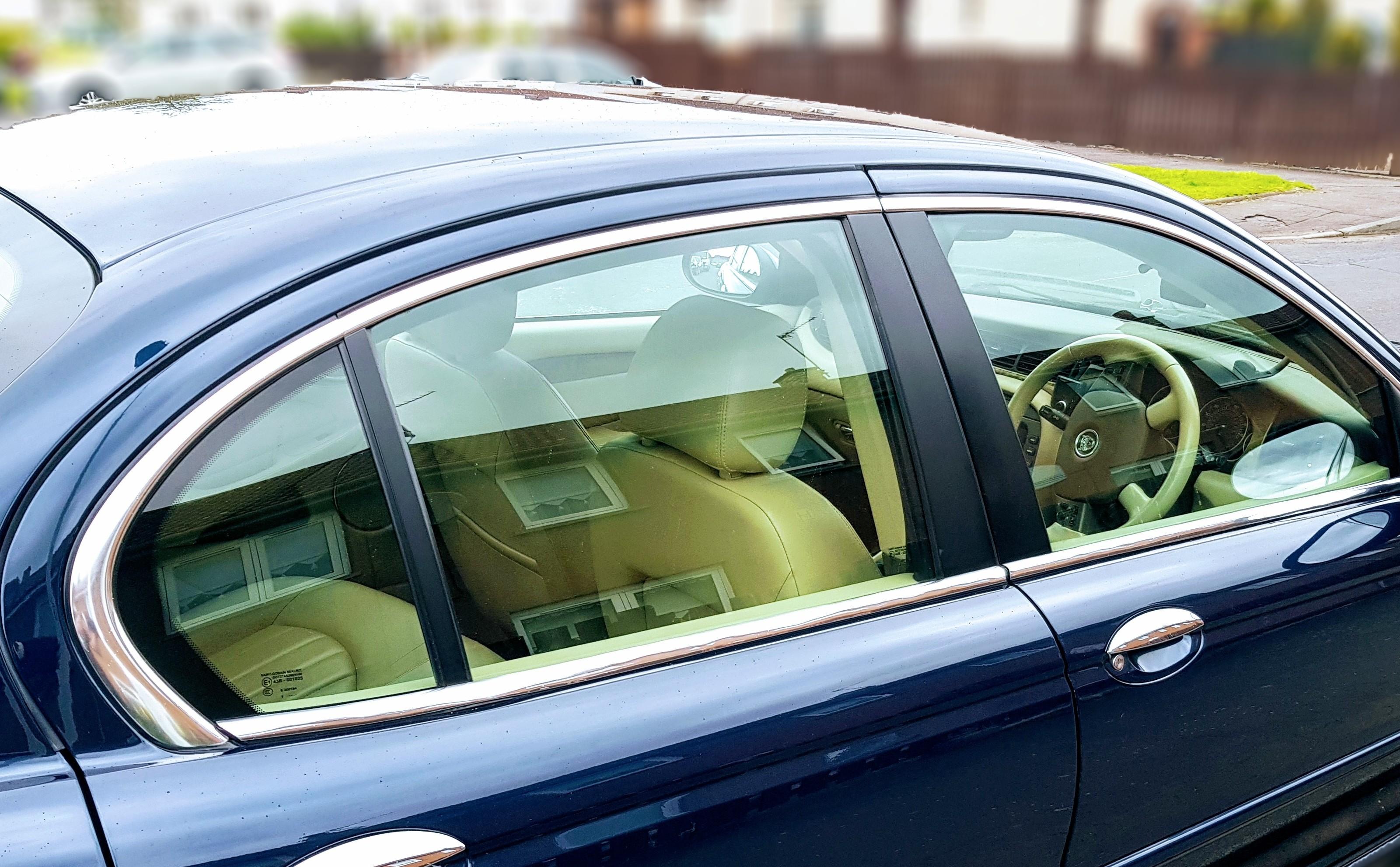
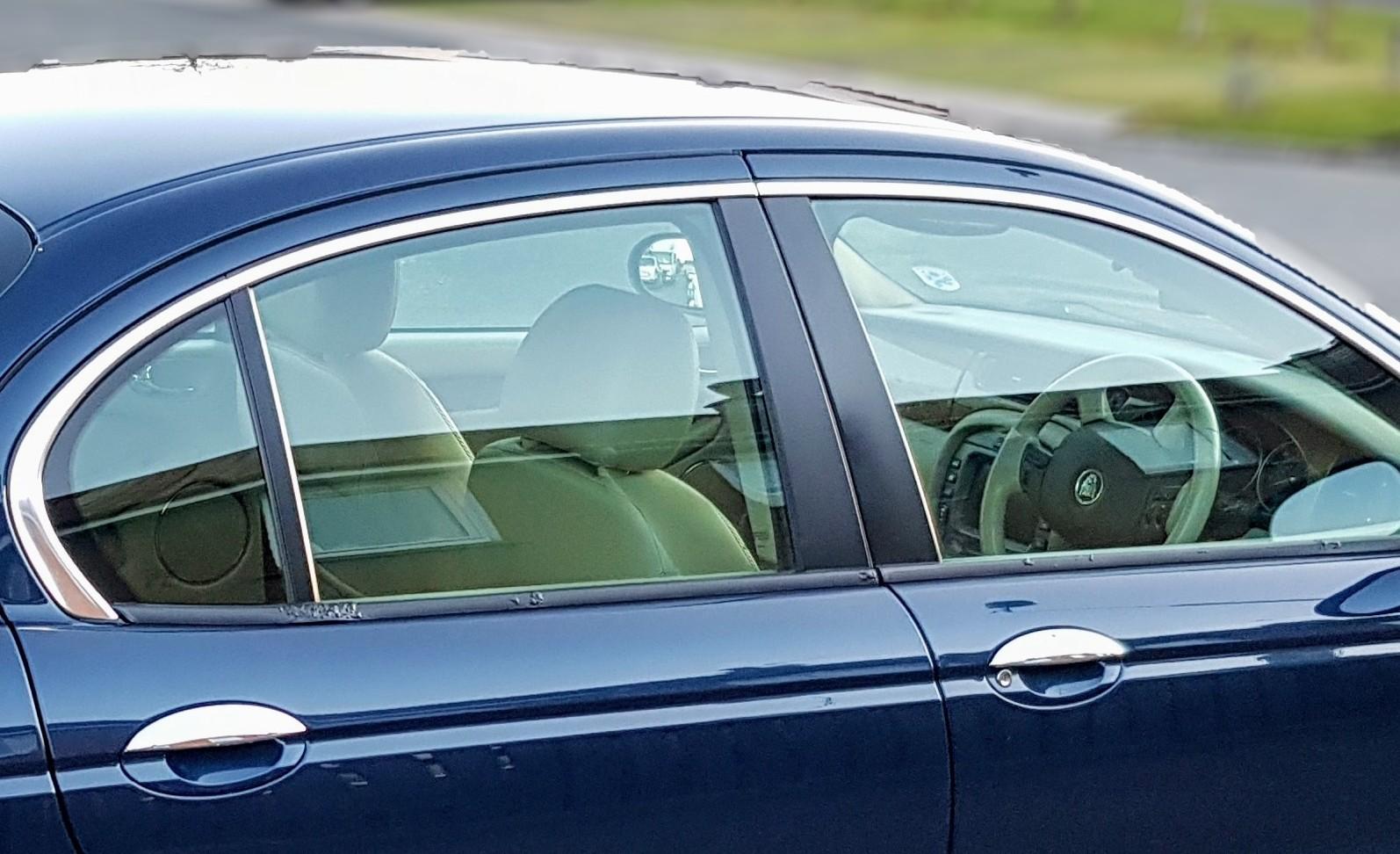
My cheap and cheerful fix was simply to rub down the worst of the bubbles, then stick this https://rover.ebay.com/rover/0/0/0?mpre=https%3A%2F%2Fwww.ebay.co.uk%2Fulk%2Fitm%2F172942499073 over the top. 22mm width, with two lines of adhesive tape on the back. It bent naturally to the right profile, easy to cut to shape with scissors, and now looks like I paid a fortune for a set of chrome waist seals. Well pleased.

 1 point