


Leaderboard
-
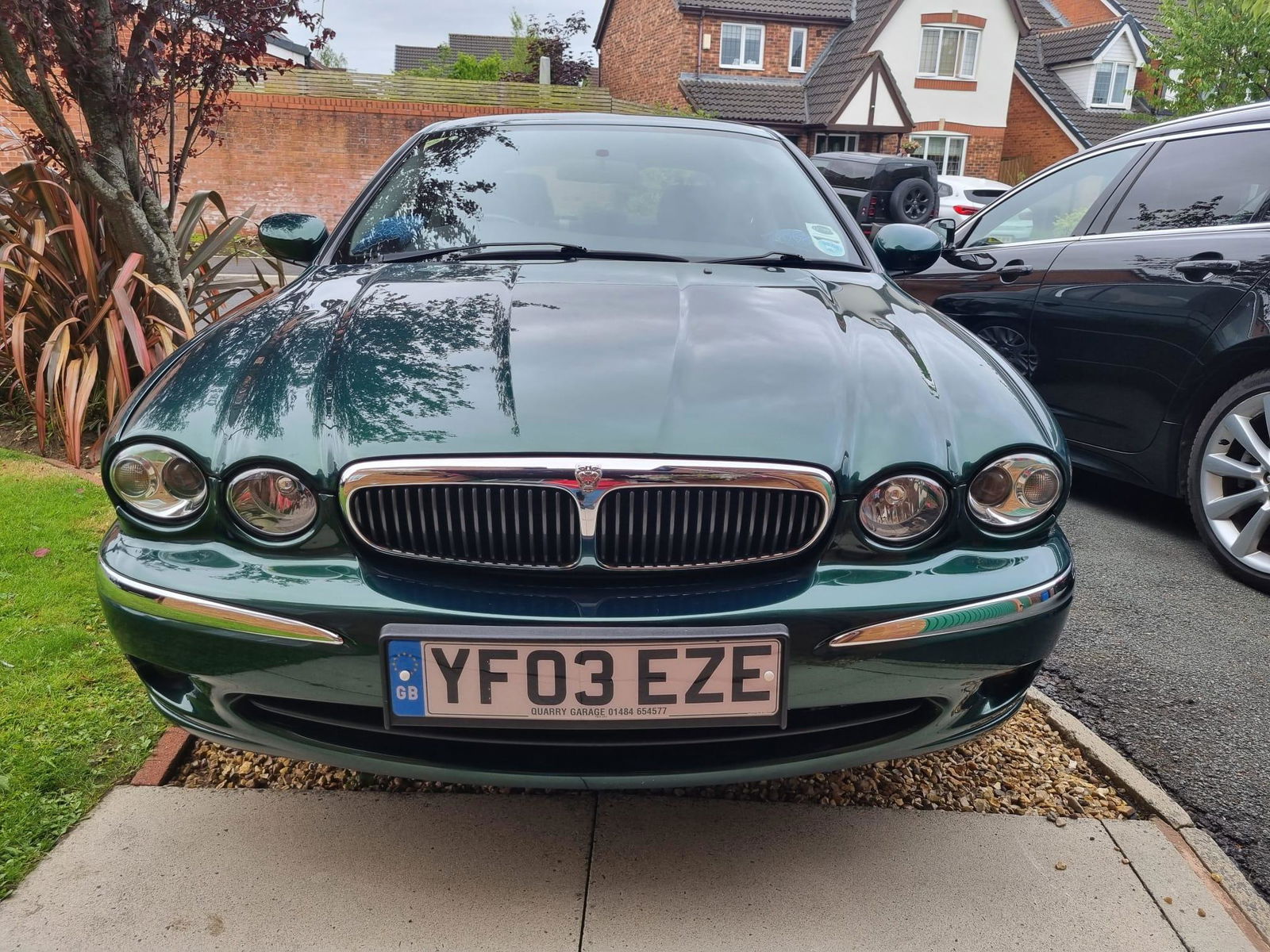
Big John
Established Member1Points436Posts -
Jimbov8
Established Member1Points822Posts -

Norfolk Ian
Premium Member1Points306Posts -
David Clarke
Premium Member1Points1Posts


Popular Content
Showing content with the highest reputation on 01/07/2024 in all areas
-
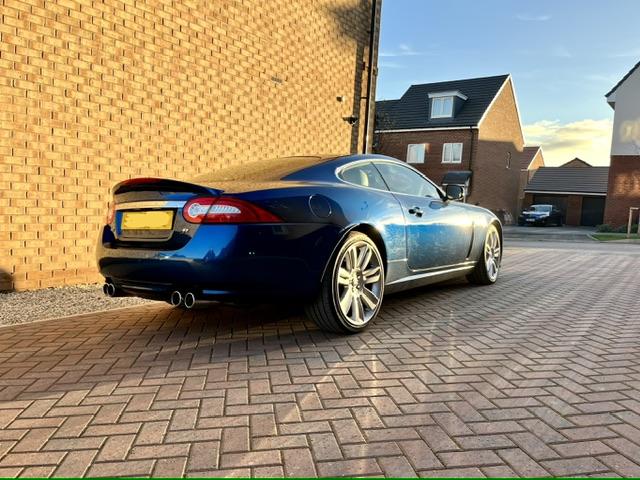
1 pointJust bought my first big cat, 2010 XKR. Really nice car, good service history and previously owned by a JOC member. Looking forward to reading about others experiences and seeking advice when I am sure I will need it.
 1 point
 -
1 point
-
1 pointWelcome to the JOC David, I bought my first Jaguar in October it’s an XF love it. I’ve found everyone really helpful and friendly in the club. Great photo of your car, I post photos of mine in the members gallery if you want to take a look. All the best Norfolk Ian1 point
-
1 point
