


Leaderboard
-
jezzybaby
Members2Points53Posts -
strodie
Members1Points4Posts -
Carl Dalton
Members1Points18Posts -
Billy Beatnik
Members1Points34Posts



Popular Content
Showing content with the highest reputation on 10/26/2023 in all areas
-
1 point
-
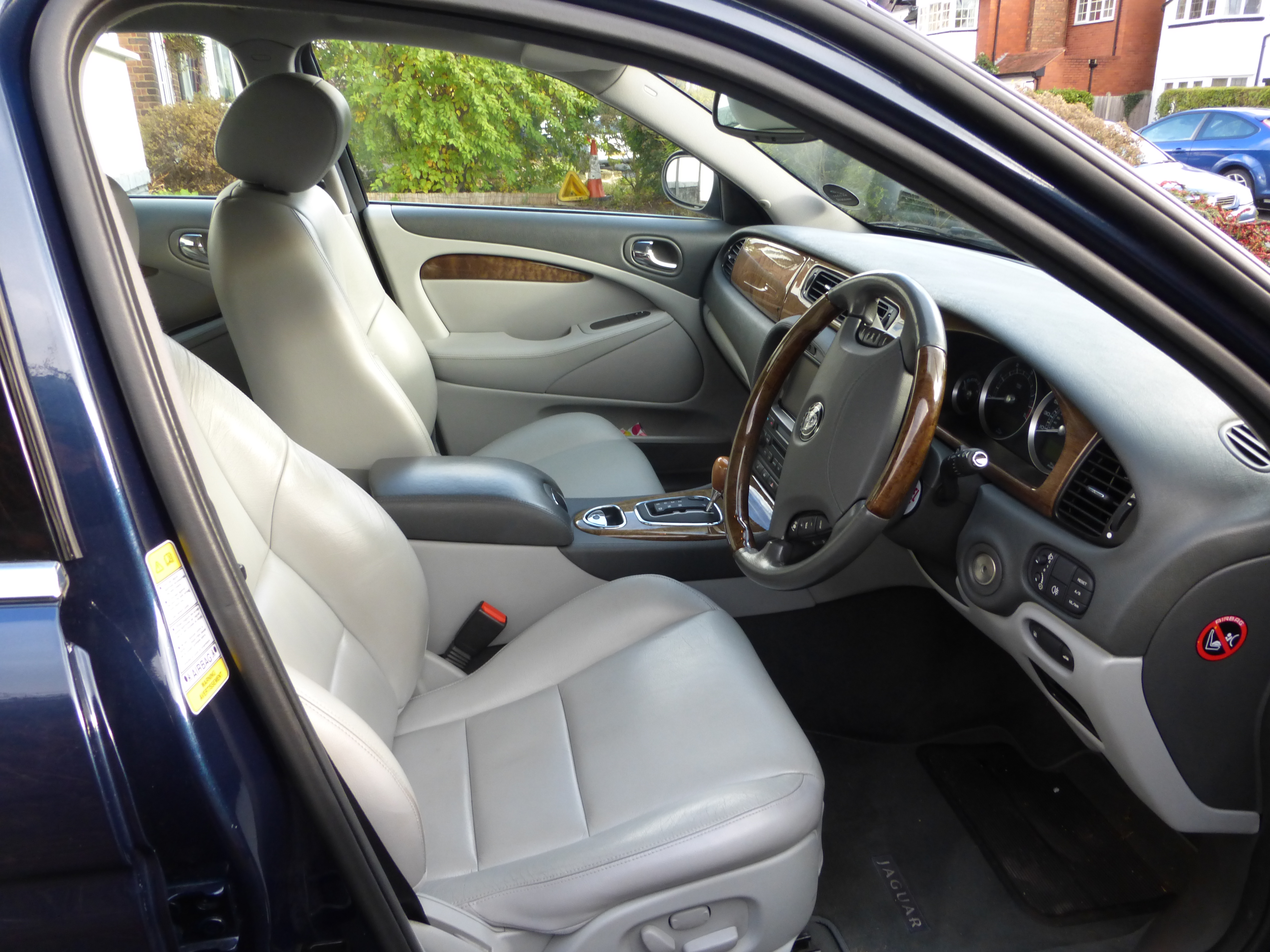
1 pointHi David, I only use autoglym products on my jag ( 2012 xf premium 55000 on the clock ) from washing the out side to cleaning the carpets. Cant go wrong with the leather cleaner and smells great as well. Steve xf1 point
-
1 pointI’ve only recently used Auto Glym leather cleaner, followed by the leather balm and it brought them up a treat and smells great. Would definitely recommend. Regards Ste1 point
-
1 pointHi Graham, I use an Autoglym product and it seems to do the job. Regards, Peter.
 1 point
 -
1 point
-
Hi not really got any favorites, but there's plenty near me, buxton and peak districts some are on here http://www.vanarama.co.uk/car-leasing/what-are-the-uks-best-roads.html cheers Joe1 point
-
1 point
-
1 point
-
1 point
-
1 point




.JPG.870b8003830bb4fb011e66bbdbd7d1c6.JPG)


