


Old Peter
Established Member
-
Joined
-
Last visited
Everything posted by Old Peter
-
 Welcome to the Club, Rod. Joe has pointed you towards the members recommended independent garages on the Jaguar Owners Lounge forum. There will also be some members in the area who also can help. An XJ8 does not want it's performance restricted! Regards, Peter.
 -
Hi Thomas, Good idea. I will come along provided the day is suitable --- in a non playing capacity. I have not played for 10 years but I have missed the club atmosphere. Regards, Peter.
-
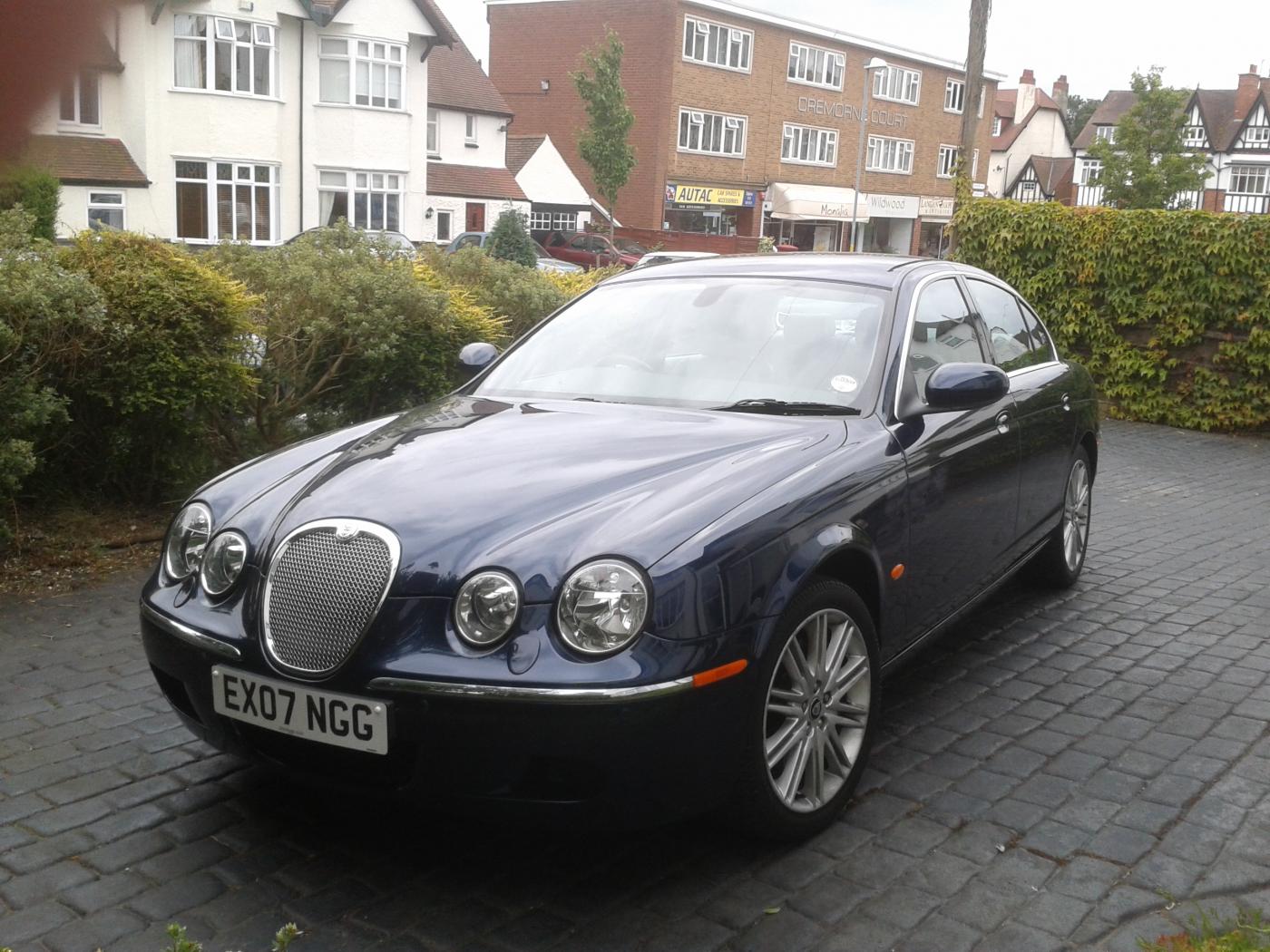
I haven't got that little hatch on my s type, Paul, thought I still have a full set of clubs [inc 2 iron for use at Tettenhall] and one of those ceramic Drivers for use at the Belfry. The Belfry is now too expensive for pensioners, and I only used to play there when invited to a Company function. Peter.
-
Not a bad idea, Thomas. Unfortunately, I don't have the time anymore. Someone with a Club Membership, good contacts, and the time would be ideal, though. Peter.
-
Welcome to the club, Liza. I hope you enjoy both the Club and the Jaguar experience. Regards, Peter.
-
When you get to 80, Thomas, it gets a bit more difficult to remember the old tricks!
-
My Rover used to do that, too. I have not taught my Jaguars to do that as my knees are now too bad and my back aches after 14 holes. Peter.
-
-
Just had a look Paul. The inner two are exactly the same as the outer two, but I can't read any part number on them. They might need taking out if they are on the underside. Peter.
-
Hi Rod, I don't think that there is a generic code. You can get the code from other places rather than Jaguar, who are inclined to charge a lot of money. Most good garages have a gadget that will tell you. Regards, Peter.
-
I will have a look when it stops raining, Paul, and get back to you. Peter.
-
That's a thought, Nick. There is a small independent accessory shop near me who will do things like that - very useful. Peter.
-
You might have to get behind the bumper, Nick.
-
Hi, Nick, Front or rear? The rear bulbs are very simple. Just detach the boot lining at the offending side, carefully lift out the lights panel, and replace the bulb. The front I know nothing about as the 2007 model does not have them fitted as standard and are not on my car. Regards, Peter.
-
Hi Richard, and welcome to the club. I don't have noise problems from the gearbox -- only the odd ZF lurch. There is a Club friendly company -- Mackies Transmissions -- who could well advise. Unfortunately they are inScotland, but they are a top company in the transmissions field. They might be worth a 'phone call. Just a thought however, try driving in 4th gear or 5th, then 3rd or 2nd, and see it the feel is still there. Let us know how you get on. Regards, Peter.
-
Welcome to the Club, John. My first Jaguar was a 2005 X type AWD. Very nice car. I hope you enjoy the club and the Jaguar experience. Regards, Peter.
-
Hi James, and welcome to the club. The poster above [Phil] had the same problem and terraclean solved it. I am glad that the same thing solved your problem, too. Regards, Peter [Lancastrian in exile]
-
Welcome to the Club, Graham. Very fast car you have there. I sometimes see one round here, although the sound is quite muted. I hope you enjoy the club as well as you enjoy your car. Regards, Peter.
-
Yes, Paul, but I got more with the first set. This last set of wipers is not as good.
-
Hi Colin, and welcome to the club. The handbook for the s type on Page 124 tells you how to switch off both front and rear sensors where both are fitted. There is a small overhead console and a switch mark "P" which controls both sets of sensors. The rear sensors only has no switch and what Kenny has said is the easiest option. Regards, Peter.
-
Hi Craig, I had a 2005 2.5litre AWD and it was brilliant. I would still have it if it had not been stolen. I would consider this model if you only do short distances. There are still a few about and you can get about 35 mpg on a long run. Peter.
-
As mine do Paul, although the first set of wipers were brilliant, and the current set is not as good. I just keep pressing the button until the screen is clean.
-
Hi Ted, and welcome to the club. As well as eBay and Amazon, there are quite a few companies who manufacture seat covers. Titan car seat covers are worth looking at, and if you google around there are others. It would be useful if there was one locally to you as you could try them on your car. Let us know how you get on. Regards, Peter.
-
Hi John, I am glad the problem has been located. Chris Isle and he team are well respected by quite a few members. I had the same problem as you with a Triumph T100 on what is now the M6 on June 12 1964, near Preston. I remember the date well because that was the day I first took my future wife out! I hope the transplant works. Regards, Peter.
-
Hi Ashley and welcome to the club, I have had two head gaskets blown and replaced over 55 years of driving. The s type is a future classic and I would check out local garages [see the topic on Jaguar owners lounge] to see what they can do. Regards, Peter.
