


Leaderboard
-
JOE-DOT-COM
Established Member2Points2,509Posts -

JustBadly
Established Member1Points146Posts -
mrmike
Established Member1Points129Posts



Popular Content
Showing content with the highest reputation on 01/25/2023 in all areas
-
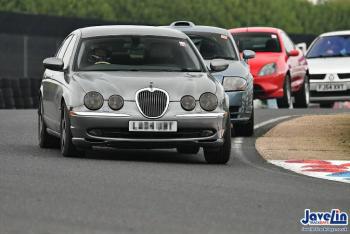
1 pointHere are a few pics and a vid of me driving around Mallory Park at the end of last year on the very last warm enough day. https://youtu.be/EBZpqfJHO7k



 1 point
 -
1 pointhi if you lenses are a bit cloudy, can recomend the 3m headlight restoration kits for around 20 quid, they restore the lenses to like new condition cheers Joe1 point
-
1 pointThanks Joe, I think that on mine too the bumper has to come off, Mine are just dim and the lens appears dark. I'll wait untill it gets a tad warmer at the end of next month. Thanks again. Mike1 point
-
1 pointhi they use a D2S bulb, thats all you need search for oe ones were osram, Ive fitted 8k colour ones in my STR, there brighter and got a blueish light to them, far better cheap ones are just as good as dear ones, as there all made in china any way, had cheap ones in mine for over 7 years also might not just be the bulb, could be the ignitor, bit on back of the bulb or ballast, bit on side of headlight, they also fail as said above anything upto 30000 volts to get them strike also on my STR you have to remove the headlights to replace the bulbs, as theres not enough space in the engine bay, which means the front bumper has to come off aswell, hope yours is easier cheers Joe1 point


