Leaderboard



Popular Content
Showing content with the highest reputation on 05/19/2016 in all areas
-
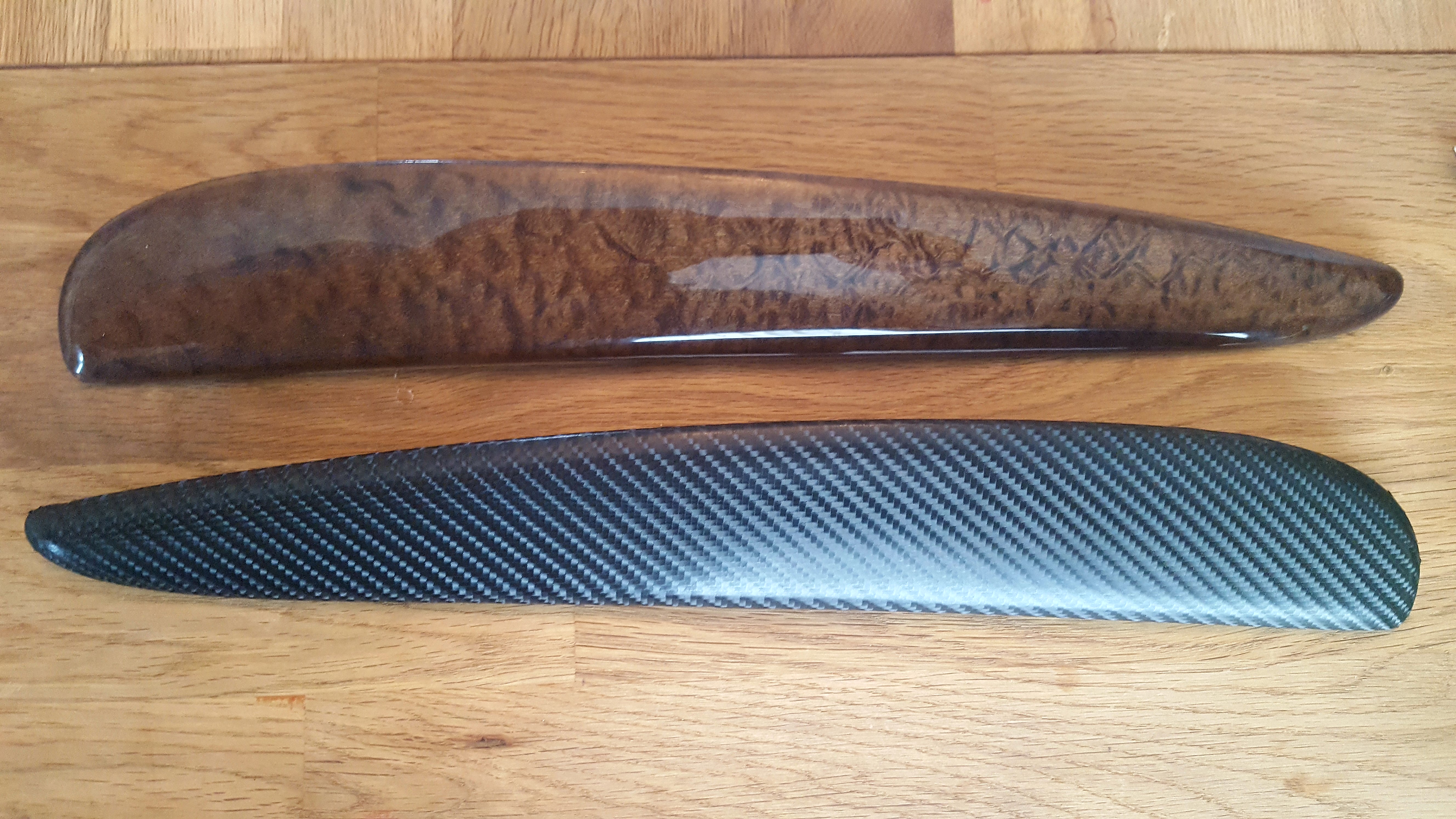
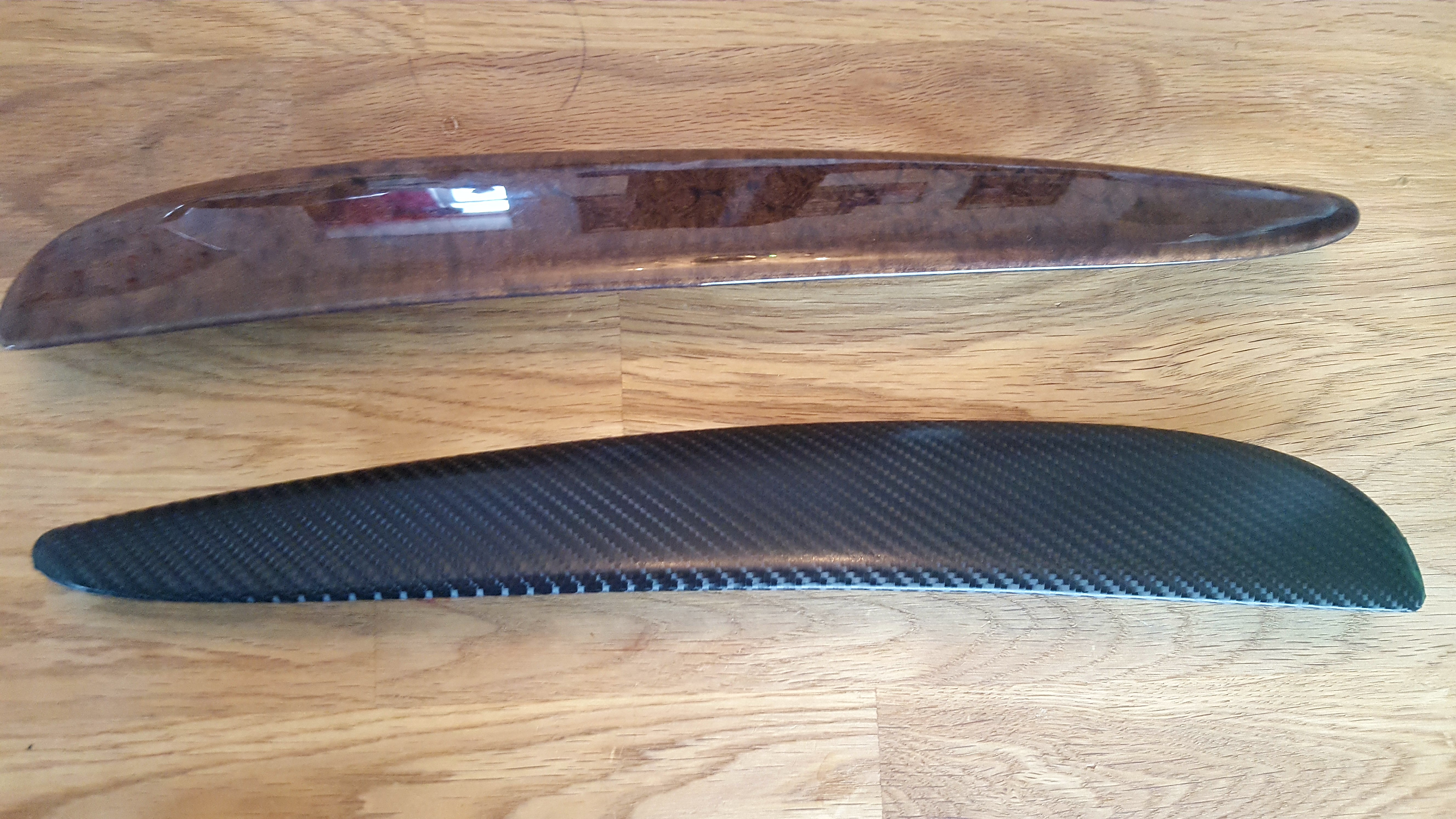
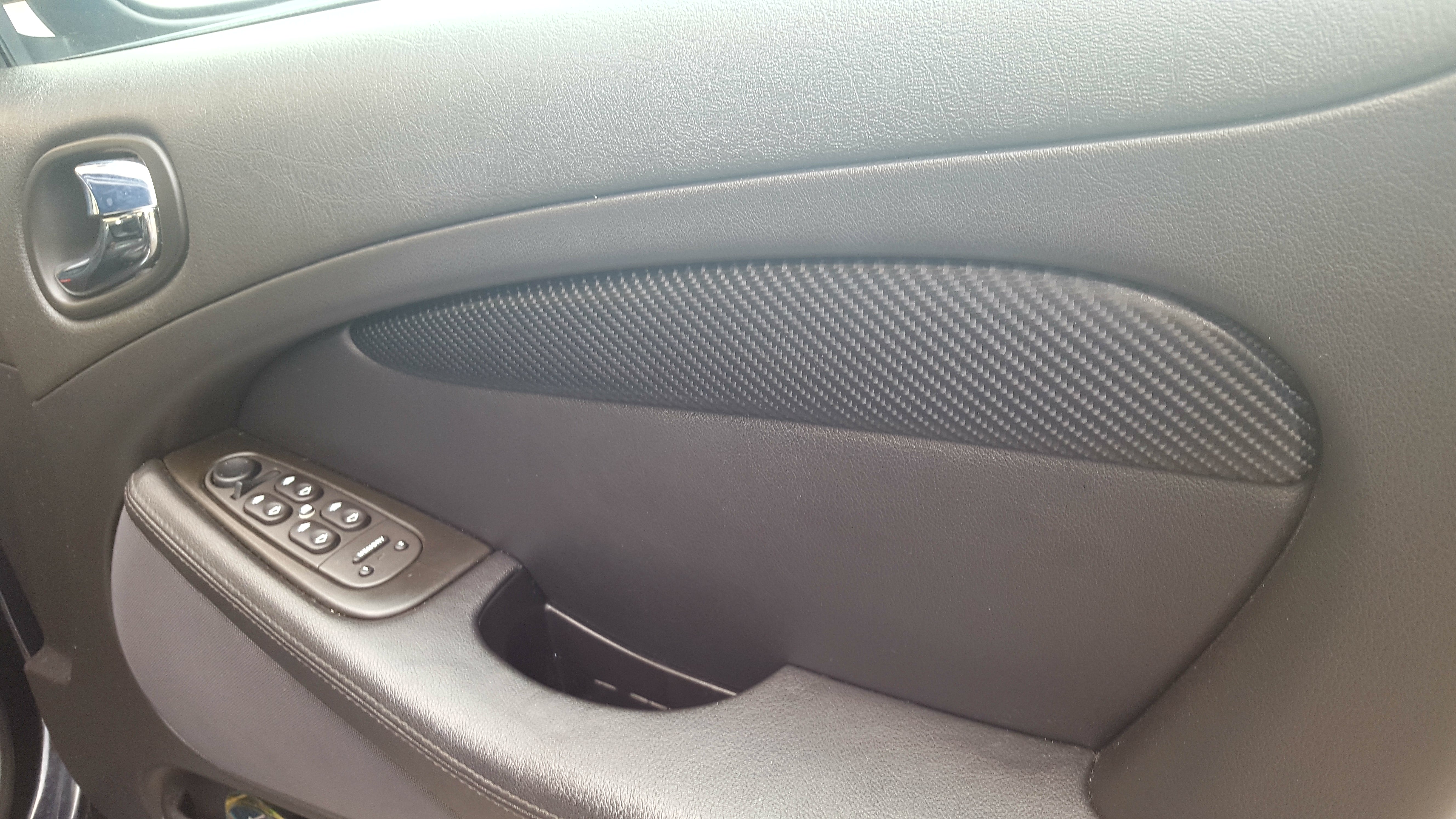
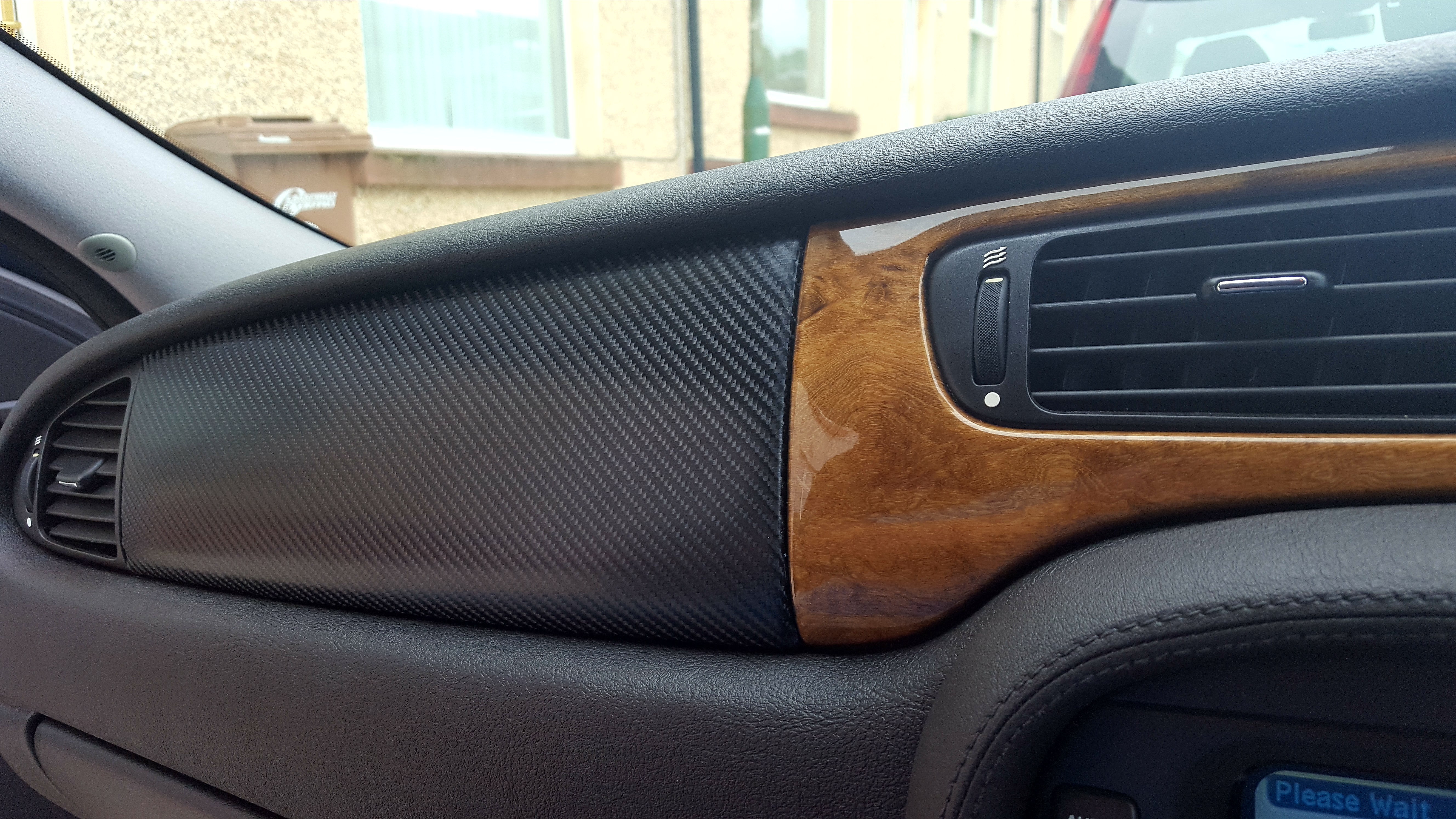
1 pointHi Paul I quite like it it given the interior a more sporty look and although my sporty days are over and I'm just a cruiser now I think perhaps it will appeal to the faster guys. And I will say in doing it -- it looks to me that you have done a real professional job well done. Frank1 point
-
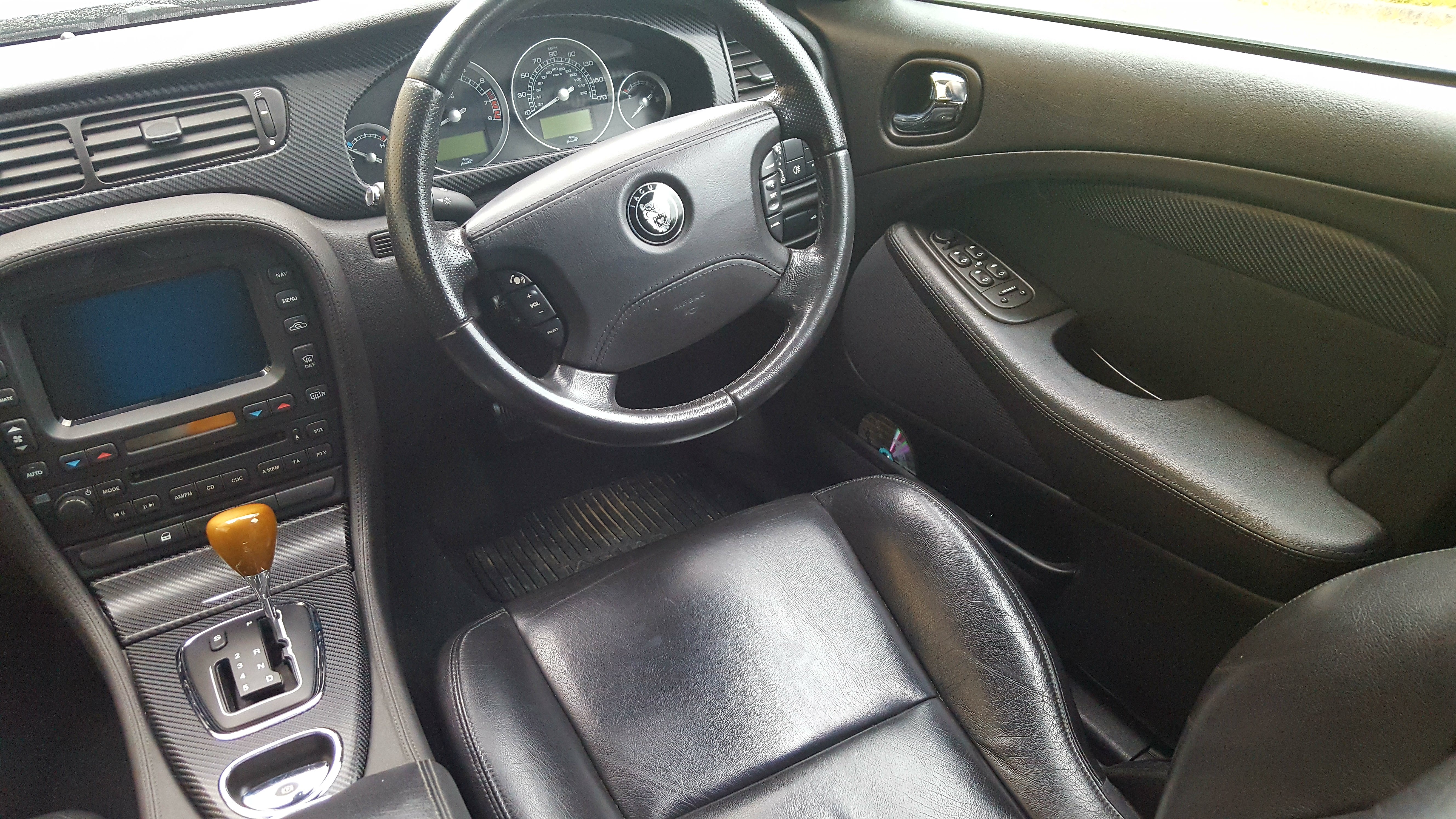
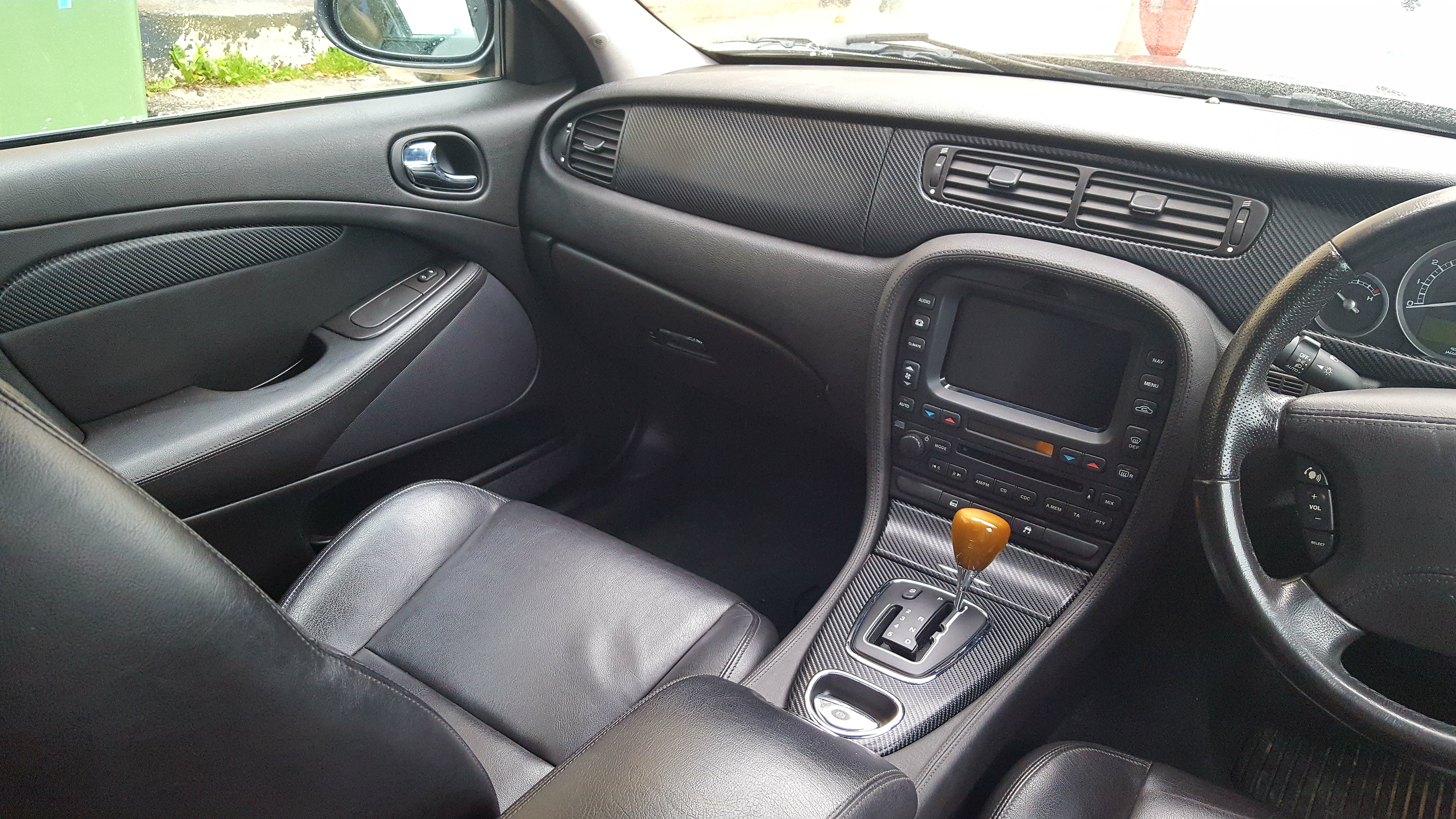
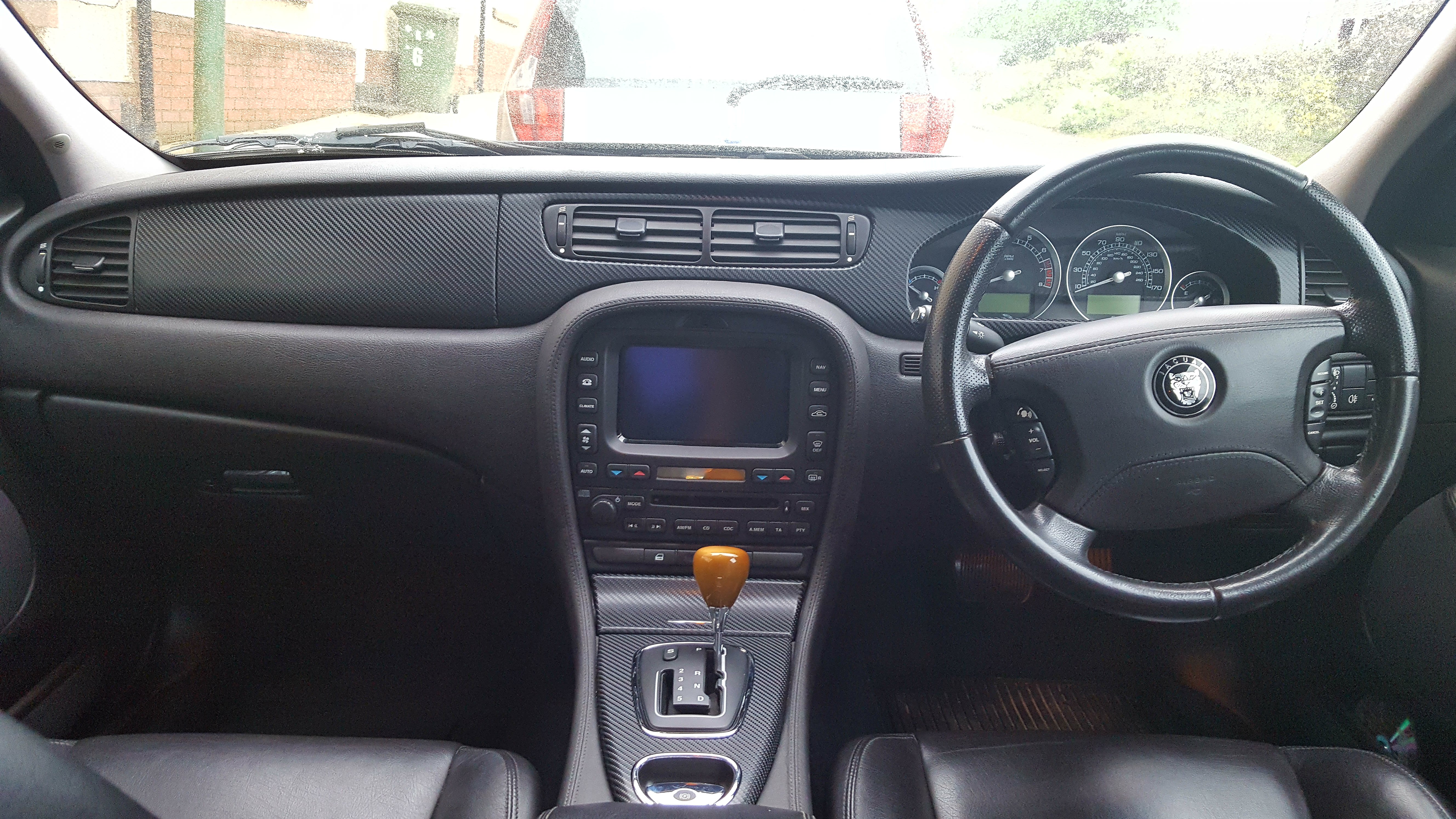
1 pointAll the interior is finally done😂👍😂 now time for you guys to voice your opinions. I'm extremely happy for under £10 worth of wrap


 1 point
 -
1 pointHi Ryan, she is in great condition she's definitely been well looked after with a V8 too. Very nice, Enjoy!!1 point
-
1 pointWelcome to the Club, Ryan. Nice well kept car -- She will go [when she gets the chance] like the chariot of Jehu! Regards, Peter.1 point
-
Welcome to the Jaguar Owners Club Malc. If I understand you correctly, you are apparently content with your new cat Hope you enjoy and get something out of the Club Looking forward to seeing some pictures.1 point